OpenClaw Review: The Open-Source Agent That Actually Executes — But At What Cost?
Everyone is calling autonomous AI agents the future, but most of what I've seen is just glorified chatbots with a fancy API wrapper. So when I first heard about OpenClaw — a free, open-source agent framework created by Peter Steinberger that claims to actually execute tasks rather than just talk about them — I was skeptical. After digging deep into its architecture, capabilities, and very real security tradeoffs, I can confirm: OpenClaw genuinely delivers on the promise of agentic execution, but it demands you treat it like production infrastructure, not a weekend experiment. The gap between "cool demo" and "safe daily driver" is where this review lives, and it's wider than most advocates admit.
What OpenClaw Actually Is (And Why It's Different)
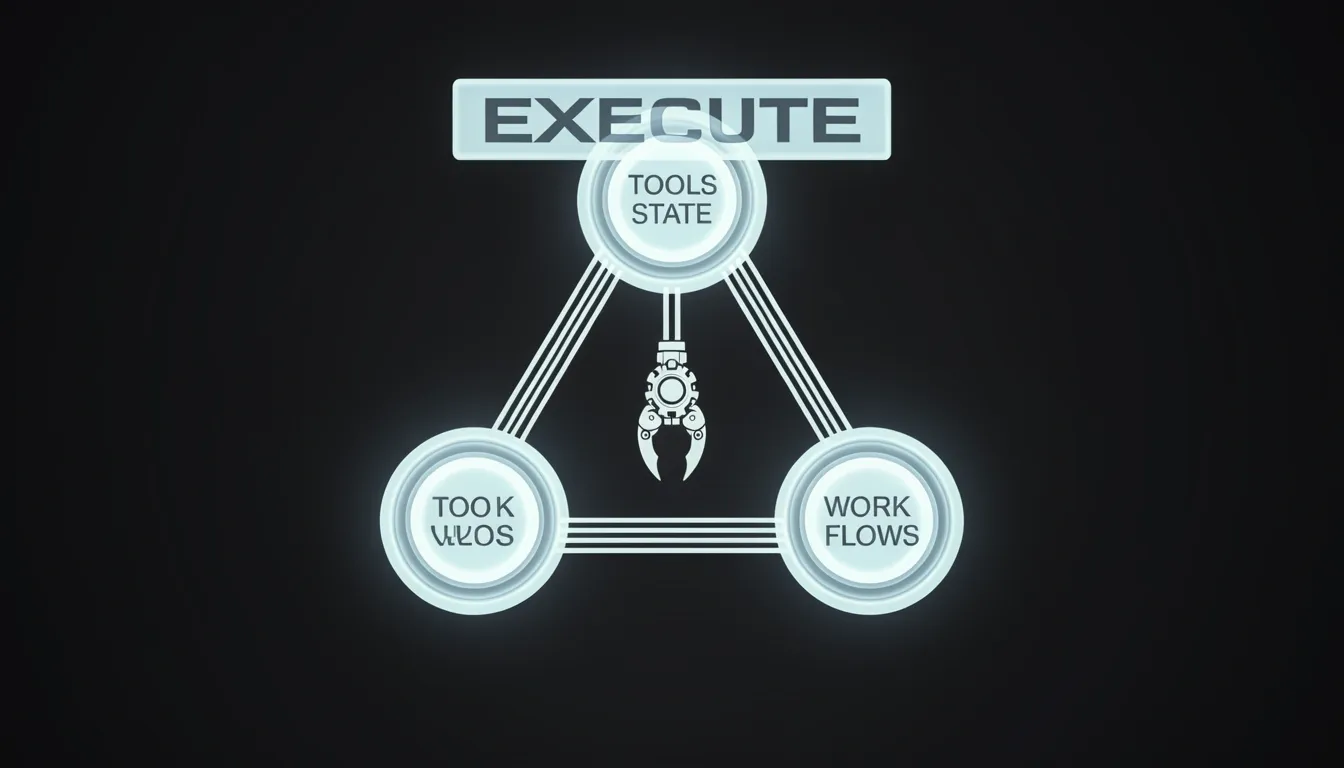
OpenClaw is a free, open-source agent framework created by Peter Steinberger that runs entirely on local hardware and connects large language models directly to real software. When I look at the architecture, what stands out immediately is that it treats text generation as a starting point rather than an end goal. The framework is built around three core primitives: orchestrating tools, managing state, and handling long-running workflows. These aren't abstract API labels. They represent a deliberate shift from prompt-demo culture toward systems that perform sustained, real-world work.
The Three Core Primitives
Most chatbot frameworks optimize for single-turn prompt completion. OpenClaw's design philosophy moves in the opposite direction.
- Orchestrating tools: The agent can call and coordinate external tools and APIs dynamically. This means it isn't limited to a static function-calling schema; it can chain multiple operations across different services as context evolves.
- Managing state: The framework handles both persistent and transient state across execution cycles. In my view, this is where many open-source agents fall apart—they lose context between steps. OpenClaw keeps the execution context alive.
- Handling long-running workflows: Tasks extend beyond single prompt-response interactions. The agent can wait, retry, or pause based on external conditions without losing the thread of what it was doing.
From Explanation to Execution
The difference between generating instructions and executing them is massive. When a user types something like "Clean my inbox, summarize the important emails, and schedule the meetings", a typical LLM wrapper would output a step-by-step guide. OpenClaw actually carries out the steps. It moves through the inbox, identifies priority messages, generates summaries, and interacts with calendar APIs. I notice that this changes the developer's relationship with the software: users issue simple chat commands, but the system responds with actions rather than text explanations.
The Hardware Footprint of Local Agents
There is a physical cost to this architecture. The framework has gained enough traction that developers have purchased Mac Minis specifically to run OpenClaw experiments—experiments that evolved into permanent setups. To me, that signals two things. First, the compute demands of local agentic workloads are non-trivial; this isn't something you casually run alongside twenty browser tabs. Second, the fact that temporary experiments became permanent infrastructure suggests the utility is immediate and tangible. Running agents locally means owning the entire stack, but it also means feeding them sufficient RAM, CPU, and potentially GPU resources to handle tool orchestration and state management without choking.
OpenClaw is explicitly acknowledged as "still early" in its development lifecycle. The framework isn't being marketed as a polished enterprise product. Instead, it reads as a working prototype for what local agent infrastructure should look like: open-source, execution-focused, and hardware-hungry. When I evaluate where this fits in the broader ecosystem, I see it as a genuine attempt to bridge the gap between LLM demos and production systems that do actual work.
Core Capabilities: From Chat Commands to Real Execution
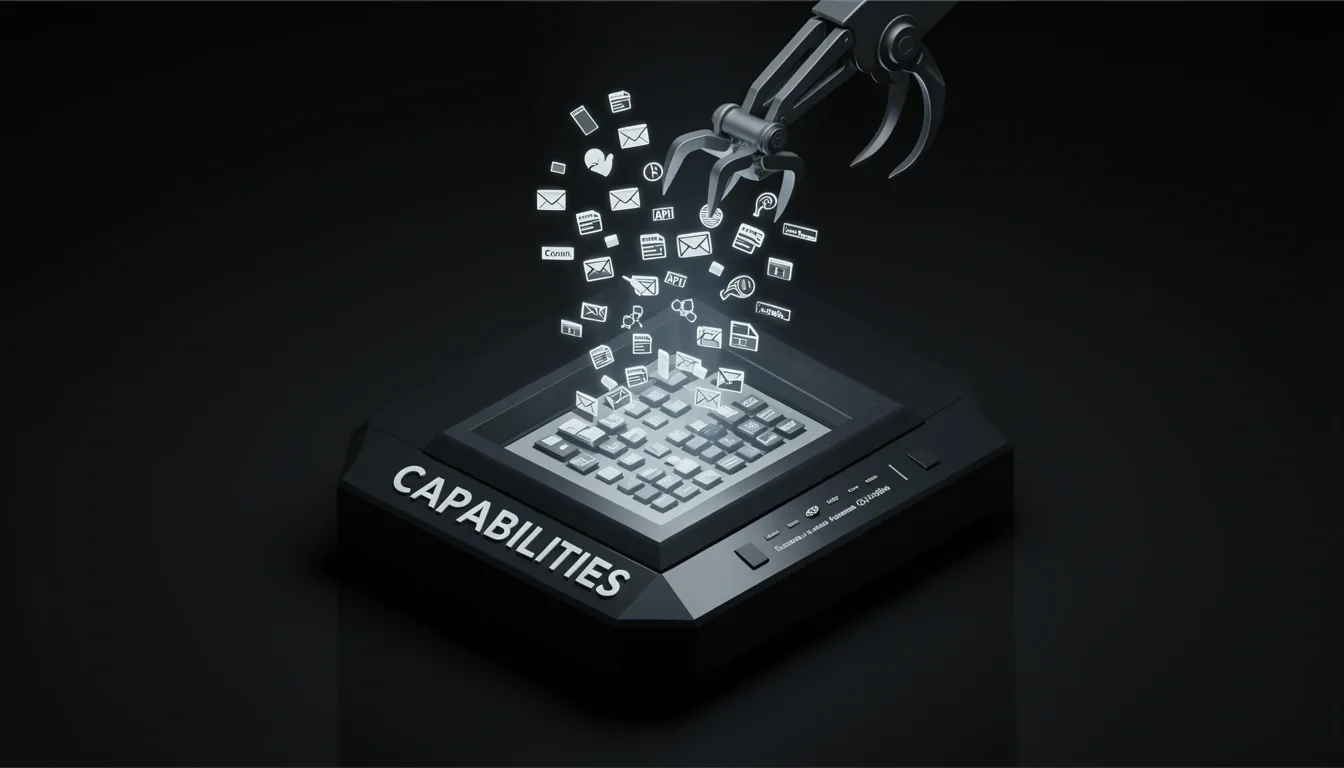
When I look at OpenClaw's capability matrix, what stands out immediately is its refusal to stay inside a chat window. The framework hands the agent a broad execution surface: it can read and write files, run shell commands, browse websites, send emails, control APIs, and automate tasks across different applications. That is not a narrow feature set; it is a full systems-integration playbook that turns natural language requests into concrete file-system and network operations.
From Passive Response to Active System Control
To me, the architecture signals a deliberate shift from conversational AI to operational AI. OpenClaw does not just generate advice—it manipulates the environment directly. Users can monitor, organize, automate, and report back through tools they already use daily. I see this as a design choice rooted in pragmatism: instead of forcing users to adopt yet another dashboard, the agent inserts itself into existing pipelines and performs actions that have measurable side effects on disk, in inboxes, and across web services.
Extensibility Through Executable Skills
One detail that catches my attention is the executable skills model. OpenClaw avoids locking users into a single fixed extension or tool. Instead, people install skills that extend functionality dynamically, then build custom workflows that match how they actually work. The loop is explicit: build, test, refine, optimize. This treats automation as iterative engineering rather than a one-shot prompt. The framework essentially acts as a runtime for user-defined capabilities, not a closed product with a rigid API boundary.
Channel Adapters and Cross-Platform Presence
The 13 channel adapters deserve more attention than they typically get. OpenClaw is not anchored to a web interface; it operates across messaging and voice channels. In my view, this multi-channel backbone is what makes the agent feel embedded rather than bolted-on. Whether the input arrives via Slack, SMS, a voice call, or a custom protocol, the same execution engine processes the request. That kind of adapter pattern suggests the core is intentionally decoupled from any single transport layer.
The Ecosystem Stack
The project ships with a concrete ecosystem that includes Moltbook, ClawHub, Lobster, memU, and voice calling plugins. I read this as a deliberate separation of concerns: ClawHub likely serves as a distribution or skill-registry layer, while tools like Lobster and memU hint at specialized handlers for local execution and memory management. These are not marketing names; they are functional components that expand what the agent can touch without bloating the core.
The Thesis Behind the Architecture
The project's central thesis crystallizes the entire approach: "The future of AI is not only better models — it is better tools, better integrations, and agents that can reliably operate in the real world." When I analyze that statement against the actual build, the alignment is strict. OpenClaw bets on tooling, integrations, and reliability rather than chasing marginal gains in base model performance. The architecture is built to survive contact with messy, real-world systems, and that, to me, is its most defining characteristic.
Memory Architecture: File-Based Persistence With SQLite Under the Hood
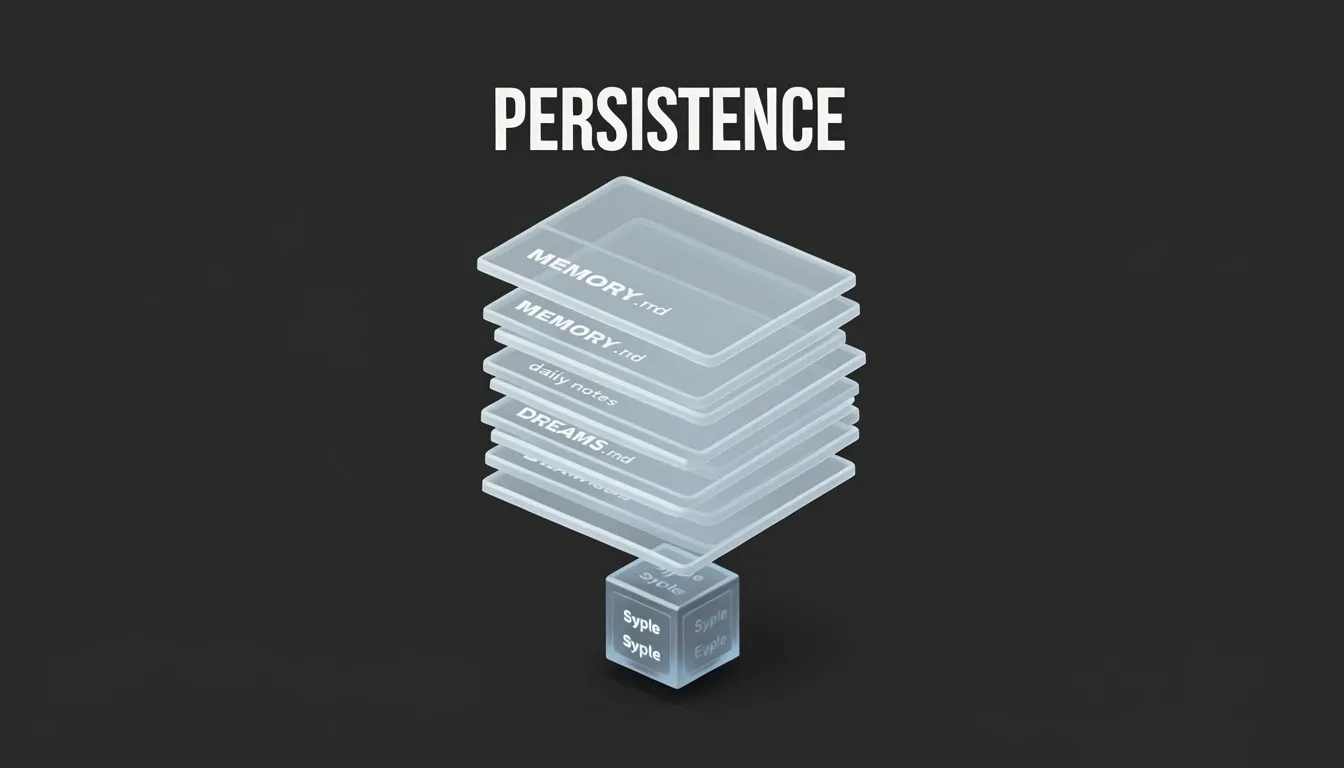
When I examine OpenClaw's memory stack, the architecture immediately signals a file-first philosophy. Rather than embedding state inside database tables, the system treats three Markdown files as the source of truth: MEMORY.md handles long-term persistent memory, memory/YYYY-MM-DD.md stores daily notes in date-stamped files, and DREAMS.md compiles dreaming summaries. This isn't just a logging convenience—it's the actual persistence mechanism. Every agent recollection, reflection, or daily journal ultimately resolves to text on disk.
How the Search Layer Sits on Top
The SQLite integration acts strictly as a secondary indexing layer, not the native substrate. The built-in engine leverages FTS5 for full-text search and sqlite-vec for vector similarity queries. If sqlite-vec is missing, the system gracefully degrades to in-process cosine similarity, computing embeddings locally without external vector extensions. An optional QMD sidecar can augment this with advanced search capabilities, though the core pipeline functions without it.
I notice a clear tension here: the database indexes content it doesn't own. If the Markdown files drift out of sync with the SQLite indices—due to a crash, a manual edit, or a race condition during a write—the search layer returns stale or broken results. Database-native frameworks avoid this by making SQLite the single source of truth, leveraging WAL mode and ACID transactions to guarantee consistency. OpenClaw pushes that responsibility to the file system, which means durability depends on atomic file writes and whatever locking the host OS provides.
The Performance Cost of Transparency
The February 2026 benchmarks quantify exactly what this hybrid model costs in practice:
- Cold start time: 5.98 seconds — likely spent rebuilding or validating search indices against the Markdown corpus
- Idle memory footprint: 394MB — suggesting the FTS5 and vector indices remain fully resident
- Install size: approximately 500MB — chunky for a framework that primarily manipulates text files
These numbers stand in sharp contrast to alternative agents that use SQLite as their native memory substrate. In those systems, the database engine handles both persistence and retrieval natively, eliminating the overhead of dual-write paths and Markdown parsing at startup. OpenClaw's 5.98-second initialization penalty would hurt in serverless or edge environments where containers spin up on demand, and the 394MB idle baseline leaves little headroom for memory-constrained deployments.
What I find most telling is that the architecture optimizes for human readability at the expense of machine efficiency. You can open MEMORY.md in any text editor and immediately understand what the agent remembers. But that transparency extracts a measurable tax: every cold start re-hydrates indices from flat files, and the runtime carries the weight of two parallel storage systems. For debugging and version control, this is excellent. For production latency and resource utilization, it's a compromise that infrastructure has to absorb.

The Security Reality: Why Credential Exposure Is the Biggest Risk
When I look at OpenClaw's security posture, I notice three basic layers that attempt to keep the agent contained, but the practical risks cut through them with surprising speed. The project faces three concrete threat categories that any operator needs to internalize before installing a single skill. First, there are straightforward security vulnerabilities: running the tool without proper precautions can expose sensitive files and data to anyone who finds an open port or a misconfigured mount. Second, and more insidious, are malicious extensions. Reports indicate that third-party skills have contained malware specifically engineered to harvest credentials or drain cryptocurrency wallets. Third, there is unintended behavior from the agent itself. There are documented cases where automated cleanup workflows interpreted their instructions too broadly and deleted entire email inboxes. Of these, the biggest real-world risk is not the model hallucinating a dangerous command—it is credential exposure.
OpenClaw typically sits right next to the most sensitive assets in your stack. I am talking about API keys, access tokens, SSH credentials, active browser sessions, and configuration files. If an attacker manages to leak these, they do not need to defeat the underlying model, jailbreak the system, or perform some clever prompt injection. They simply reuse your credentials. That is a much faster and quieter attack path.
What You Are Actually Protecting
I treat OpenClaw's workspace as a high-value target because it inevitably accumulates secrets. Before I deploy, I run through a strict secrets checklist:
- API keys and provider tokens: These often have broad permissions and are easily scraped from logs or config files.
- Slack, Telegram, and WhatsApp sessions: Active chat sessions can be hijacked to impersonate you or exfiltrate internal communications.
- GitHub tokens and deployment keys: A leaked token here can rewrite repositories or poison your CI/CD pipeline.
- SSH keys and cloud credentials: These are the keys to your infrastructure kingdom; if they escape, lateral movement becomes trivial.
- Browser cookies and saved sessions: Many agents authenticate through existing browser state, making cookies a direct proxy for identity.
Locking Down the Environment
To mitigate these risks, I follow a hardening routine that treats the agent as a potential breach point. Store all secrets in environment variables or a dedicated secrets manager, and never embed them inside skill configs or plain text files. I keep the OpenClaw workspace minimal by refusing to mount my entire home directory; the fewer files the agent can touch, the smaller the blast radius. File permissions should be locked down so only the dedicated agent user can access the workspace. If I install something suspicious or see unexpected tool calls in the logs, I rotate tokens immediately rather than waiting for confirmation of compromise. For anything serious, I prefer isolation: running OpenClaw inside a container or an isolated VM is not overkill—it is baseline hygiene.
The Gateway Attack Surface
OpenClaw runs a Gateway process that connects channels, tools, and models. The moment you expose that gateway to a network, you must assume it becomes attackable. I do not treat internal networks as safe by default. The built-in audit CLI, invoked via openclaw security audit --deep, is a useful starting point for reviewing your posture, but it is not a replacement for architecture-level isolation. Also, HTTPS is required for OpenClaw to function correctly, which means any certificate or TLS misconfiguration can break the deployment or open a man-in-the-middle path. In my view, the security story here is not that OpenClaw is uniquely dangerous; it is that the agent has the same access you do, and that makes credential exposure the fastest way to lose control.
Operational Footprint: Docker Compose Overhead and Resource Demands
OpenClaw's containerized architecture demands significant infrastructure before it executes a single task. I noticed that the framework requires Docker Desktop or Docker Engine paired with Docker Compose v2, which immediately excludes lightweight environments or bare-metal deployments. The build process alone is non-trivial: multi-stage image builds spanning 5+ stages demand at least 2 GB RAM, and the resulting install footprint sits at approximately 500MB. When I look at the idle memory consumption of 394MB and a cold start latency of 5.98 seconds, it becomes clear that OpenClaw treats the host machine as a mini-cluster rather than a simple execution environment.
Resource Demands and Build Complexity
The resource profile goes beyond simple disk space. Each build iteration must push through multiple image layers, and the runtime footprint reserves nearly 400MB of RAM before processing any user requests. For comparison, many language-specific agents or CLI tools idle at a fraction of that footprint. The 5.98-second cold start is particularly telling—this isn't a native binary firing up; it's a container orchestration sequence initializing gateways, sidecars, and shared namespaces. In environments where agents must spin up dynamically or run on resource-constrained nodes, this latency and memory reservation become genuine architectural constraints rather than minor inconveniences.
Configuration Surface and Persistence Layer
Where OpenClaw really piles on operational weight is in its day-two management. The setup script located at scripts/docker/setup.sh runs hundreds of lines to orchestrate .env synchronization, permission fixes, onboarding flows, config sync, and Compose startup. Once running, the system expects:
- 20+ environment variables correctly mapped before containers stabilize
- Volume mounts for config, workspace, and auth persistence across restarts
- Docker socket mounting to enable internal sandboxing
- Mandatory health check configuration and container networking setup, including a gateway and CLI sidecar sharing a network namespace
- Bonjour/mDNS considerations, which are disabled by default in Docker and require explicit handling if local service discovery is needed
This isn't a "download and run" workflow. It is a distributed system reduced to a single-host footprint, and it carries all the corresponding management overhead.
CI/CD Implications and the Single-Binary Alternative
Running OpenClaw in automated pipelines introduces further friction. Because the framework is tightly coupled to the Docker daemon, CI/CD environments need either Docker-in-Docker or privileged containers, which immediately raises security and compliance concerns in enterprise settings. Updates aren't a simple patch either—they require rebuilding or pulling new images, a process that can break workflows if registry access is throttled or if base image drift occurs.
When I compare this to alternatives like OpenFang, the difference in operational philosophy is stark. OpenFang ships as a single binary download: run openfang init for configuration and openfang start to execute. There is no container runtime to install, no image registry to manage, no Compose files to debug, no volume mounts to secure, no port mapping to configure, and no health check endpoints to monitor. Updates are literally a single binary replacement.
This contrast highlights a critical architectural decision. OpenClaw's container-heavy approach provides isolation and sandboxing through Docker socket mounts and multi-stage builds, but that isolation comes at a direct resource and maintenance cost. For teams already running Kubernetes or Docker Swarm, this overhead might feel familiar. However, if the goal is to deploy an agentic framework quickly—whether on a developer laptop, an edge device, or a locked-down CI runner—the 500MB install, 394MB idle footprint, and 5.98-second cold start represent a heavy tax. I see OpenClaw optimizing for runtime consistency at the expense of deployment simplicity, and that trade-off is only worth it if your infrastructure team has already normalized container complexity as a baseline cost of doing business.
OpenClaw vs OpenFang: A Stark Architectural Contrast
When I compare OpenClaw and OpenFang side by side, the divergence isn't a matter of minor configuration tweaks; it's a fundamental clash of design philosophies. OpenClaw feels built like a heavyweight automation suite that happens to run in containers, while OpenFang behaves like a systems-level binary that treats memory as structured data from the ground up. The gaps show up immediately in how each tool handles persistence, resource consumption, and the sheer effort required to get a working instance online.
Memory Architecture and Persistence Models
The most revealing difference sits in how each agent remembers context. OpenClaw relies on a file-based memory system that writes to MEMORY.md, daily snapshots under memory/YYYY-MM-DD.md, and a separate DREAMS.md, with an optional QMD sidecar for metadata. To me, this reads like a developer's journal rather than a queryable substrate; it's human-readable, but it forces the engine to parse markdown and manage filesystem state during every recall operation.
OpenFang takes the opposite route. Its memory is native SQLite, organized into three distinct layers: structured key-value storage, semantic vectors, and a knowledge graph. Because the substrate is relational from the start, retrieval doesn't require scanning markdown files or guessing at header hierarchies. I also notice that OpenClaw's built-in engine does use SQLite with FTS5 and sqlite-vec for vector similarity, but it falls back to in-process cosine similarity whenever sqlite-vec isn't available. OpenFang never falls back to file-based memory; its SQLite backend is non-negotiable, which keeps query behavior deterministic.
Performance Benchmarks and Resource Footprint
The February 2026 benchmarks paint a stark picture. OpenFang cold-starts in 180 milliseconds, while OpenClaw takes 5.98 seconds. That is not a rounding error; it is a thirty-three-fold difference that decides whether an agent feels instantaneous or sluggish. Idle memory tells a similar story: OpenFang sits at 40MB, whereas OpenClaw consumes 394MB before it even accepts a task. The install size reinforces the bloat gap—roughly 32MB for OpenFang against OpenClaw's ~500MB.
These metrics matter because they dictate deployment topology. I wouldn't hesitate to run multiple OpenFang instances on a modest VPS, but OpenClaw's footprint practically demands dedicated resources and container orchestration just to stay afloat.
Security Layers, Adapters, and Deployment Reality
OpenFang ships with 40 channel adapters against OpenClaw's 13, so integration breadth isn't even close. The security gap is equally lopsided. OpenClaw provides 3 basic layers, while OpenFang stacks 16, including Merkle audit chains, a WASM dual-metered sandbox, taint tracking, Ed25519 signed manifests, SSRF protection, secret zeroization, and GCRA rate limiting. When I look at that list, I see an architecture designed for untrusted or multi-tenant execution, not just a friendly script runner.
Then there is the deployment experience. OpenClaw requires Docker Compose, multi-stage builds, 20-plus environment variables, volume mounts, and hundreds of lines of setup scripts. OpenFang needs a single binary download and one shell command piped from the internet. The friction difference here is enormous. OpenFang even includes a native 1-click migration via openfang migrate --from openclaw, which tells me the authors expect users to switch and want to remove every possible excuse not to.
The Engine Philosophy Gap
OpenClaw's optional sqlite-vec fallback reveals a toolkit mentality: it tries to accommodate whatever environment it lands in, even if that means degrading to simpler in-process similarity calculations. OpenFang refuses that compromise. By enforcing an always-on SQLite backend with no file-based escape hatch, it guarantees that vector search and graph traversal behave the same way on every machine.
To me, the contrast is clear. OpenClaw trades operational weight for human-readable artifacts, while OpenFang trades setup simplicity for database-native speed and hardened security. If you are choosing between them, you are really choosing between a document-oriented workflow engine and a binary-grade agent runtime.
Deployment Doctrine: How to Run OpenClaw Safely
When I look at OpenClaw's architecture, what stands out immediately is that it forces a hard mindset shift: this is not a chatbot you casually drop into a browser tab. Once you enable skills, expose a gateway, or grant an agent access to files, secrets, and plugins, you are running infrastructure with genuine operational risk. I see the trust boundary moving away from simple prompt correctness and toward raw system control. Because the agent can execute tools, touch the filesystem, and consume credentials, your safety hinges entirely on configuration, permissions, and the strength of the underlying model—not on how politely it responds.
Why Exposure Equals Attack Surface
Every capability you switch on enlarges the target. Enabling the gateway and connecting channels, tools, or models makes the system reachable, and anything reachable can be attacked. In my view, the most dangerous misconception is treating OpenClaw like a text-generation assistant rather than a privileged process. The moment you allow execution-oriented behavior, deployment intent becomes the primary security control. High-permission plugins should only be enabled with clear, deliberate controls, because if you do not deploy with explicit guardrails, you are not experimenting—you are exposing a privileged agent to the network with the ability to cause real damage.
Immediate Hardening Checklist
The documentation outlines a concrete responsibility model that I would break down into immediate, non-negotiable actions:
- Keep the gateway local-only until you fully trust your configuration. Do not expose it to the internet while you are still iterating on permissions or skills.
- Choose a strong model. The quality of the underlying model directly affects the agent's decision-making, so selecting a capable one is a security consideration, not just a performance tweak.
- Audit relentlessly. Check logs and recent sessions for unexpected tool calls, and re-run the built-in deep audit after any change with
openclaw security audit --deep. - Lock down secrets. Store them in environment variables or a dedicated secrets manager; never hardcode credentials in skills or configuration files.
- Minimize the workspace. Keep the working directory small and restrict file permissions so the agent cannot wander into sensitive paths.
- Rotate tokens immediately if you spot anything suspicious in session history. Assume compromise until proven otherwise.
- Isolate seriously. For anything beyond local experimentation, prefer container or VM isolation so that a misbehaving skill cannot compromise the host operating system.
Production Deployment and Shared Servers
When moving to shared server deployments, I treat OpenClaw like any other production service. Least privilege is not optional here—it is the structural difference between a contained agent and full account takeover. That means keeping skills minimal, stripping away every permission the agent does not strictly need, segregating secrets by role, and ensuring the runtime user has no more access than a standard unprivileged service account. Container boundaries help contain blast radius, but they are not a substitute for tight internal permissions.
The closing point resonates with me because it reflects the reality of the architecture: the future of AI agents is not only about intelligence. It is about execution, trust, and safety. OpenClaw hands you real execution power, and that means the responsibility to deploy it intentionally sits entirely with the operator.