OpenCode Rules and Configuration: The Complete Blueprint for Taming Your AI Agent
Most developers treat AI coding agents like plug-and-play tools — install, prompt, pray. I learned the hard way that OpenCode's real power lives in its configuration layers, not in its default settings. The difference between an agent that hallucinates through your codebase and one that respects your project conventions comes down to how well you define the rules. OpenCode gives you an entire hierarchy of rule injection — from AGENTS.md files to opencode.json instructions to granular permission policies — and most people barely touch the surface. After spending weeks tuning my own setup, I can tell you that mastering these systems transforms OpenCode from a generic assistant into a precision tool that actually understands your project. In this guide, I'll walk you through every configuration layer, every gotcha, and every best practice the documentation reveals. Let's build something that works the way you actually want it to.
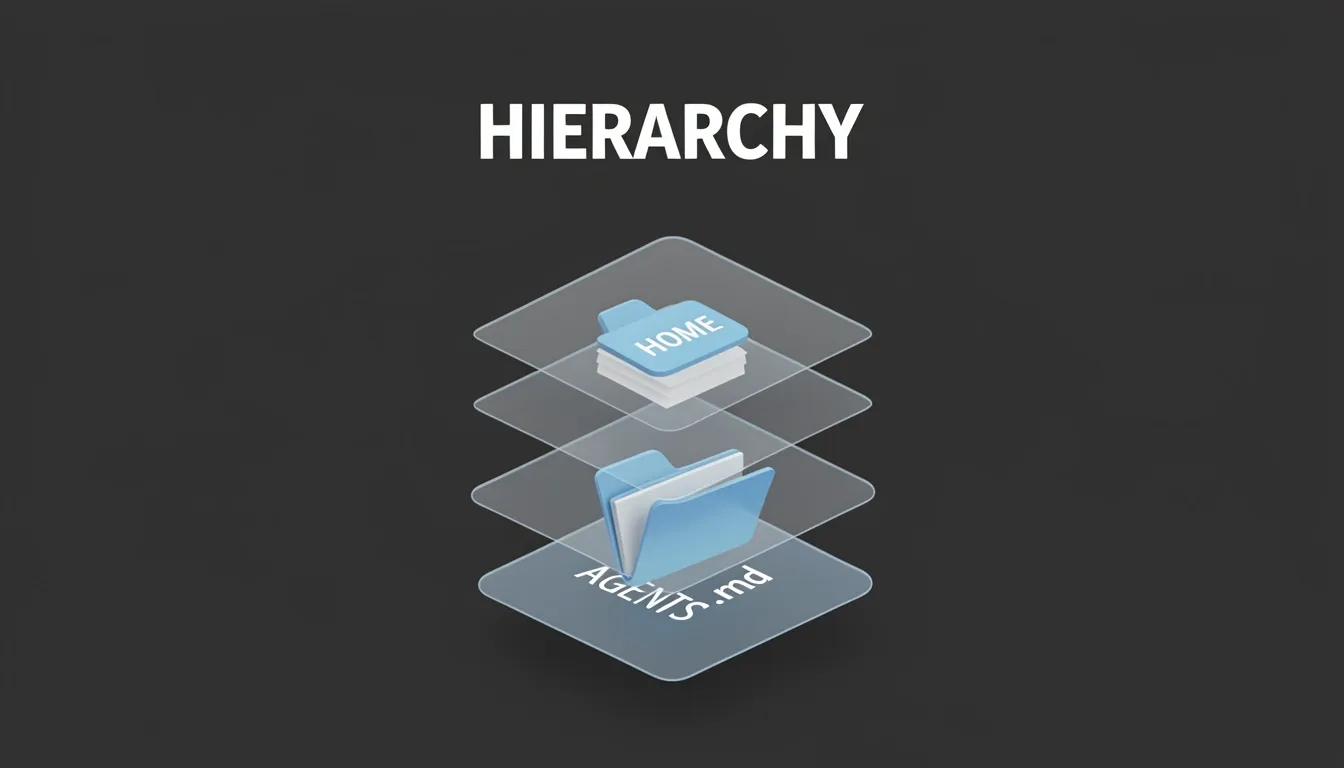
The AGENTS.md Rules Discovery Hierarchy
OpenCode's instruction injection system revolves around a cascading file discovery mechanism that prioritizes context relevance over brute-force overrides. At its core sits AGENTS.md, a file that functions much like Cursor's rules but with a more nuanced traversal model. When I look at how the system resolves instructions, I see three distinct scopes working in concert, each serving a different operational need.
Project-Level Rules and the /init Workflow
The most immediate layer is the project-level rule file: an AGENTS.md placed in the repository root. Its scope is strictly directory-bound, applying only when I operate within that folder or its subdirectories. Discovery happens dynamically—OpenCode walks upward from my current working directory until it hits the first matching file. This upward traversal means I can nest projects or work from deep within a monorepo without losing context, provided the rule file lives at an appropriate parent level.
What stands out to me is the /init command. Rather than forcing me to author boilerplate from scratch, /init scans the repository, asks targeted questions about my workflow, and generates concise guidance covering build commands, lint configurations, test runners, architecture patterns, repository structure, coding conventions, and operational gotchas. If an AGENTS.md already exists, the command improves it in place instead of clobbering it. This incremental refinement respects existing team conventions while filling gaps the original author might have missed.
Global Rules and Personal Context
Above the project layer sits the global rules file at ~/.config/opencode/AGENTS.md. This file follows me across every OpenCode session I start, regardless of where I am in the filesystem. I treat this as my personal instruction layer—preferences I do not want committed to Git or imposed on teammates. It is the right place for stylistic tendencies, preferred output formats, or personal shorthand definitions that should persist globally without polluting shared repositories.
Claude Code Compatibility Fallbacks
OpenCode does not pretend existing Claude Code users do not exist. The system includes a compatibility fallback chain for anyone migrating or running both tools. At the project level, OpenCode falls back to CLAUDE.md in the project directory, but only if no AGENTS.md exists. Globally, it checks ~/.claude/CLAUDE.md if ~/.config/opencode/AGENTS.md is absent. Additionally, the ~/.claude/skills/ directory is loaded as agent skills, extending the agent's capabilities without requiring file renames or redundant configuration.
Precedence, Concatenation, and the "First Wins" Rule
Here is where the architecture gets interesting. The precedence order is:
- Local files discovered by traversing upward from the current directory (
AGENTS.md, thenCLAUDE.md) - Global file at
~/.config/opencode/AGENTS.md - Claude Code file at
~/.claude/CLAUDE.md, unless explicitly disabled
The "first matching file wins" principle applies strictly within each category, not across categories. This means local discovery stops at the first hit during upward traversal, but it does not block global rules from loading. In fact, project-level and global rules are concatenated with newlines in the system prompt rather than overridden. Project rules appear first, followed by global rules. When I analyze this design choice, it becomes clear that OpenCode treats rules as additive context layers rather than mutually exclusive configuration blocks. The local layer provides immediate, repository-specific constraints, while the global layer supplies my persistent personal baseline—both coexist in the final prompt sent to the LLM.

Custom Instructions via opencode.json
When I look at how OpenCode handles agent instructions, I see a clear architectural decision: AGENTS.md provides the baseline, but opencode.json unlocks composability. Instead of copying and pasting rules across repositories, I can reference existing files, import third-party standards, and even pull configurations from remote URLs. This keeps the instruction layer DRY while letting me layer multiple rule sources into a single coherent directive set.
Where Configuration Lives and How to Structure It
OpenCode reads opencode.json from two distinct scopes. At the project level, I place the file in the repository root. For global defaults, the path is ~/.config/opencode/opencode.json. This dual-path approach means I can enforce organization-wide standards through the global file while still allowing individual repositories to override or extend behavior locally.
The heart of the system is the instructions array. Each entry is either a concrete file path or a glob pattern, which gives me immediate flexibility. A typical configuration looks like this:
{
  "$schema": "https://opencode.ai/config.json",
  "instructions": [
    "CONTRIBUTING.md",
    "docs/guidelines.md",
    ".cursor/rules/*.md"
  ]
}
Notice that I can point directly at a CONTRIBUTING.md file that already exists, or sweep up an entire directory of Cursor rules with a single glob. I don't need to duplicate that content into an AGENTS.md file.
Pulling Rules from Remote Sources
One feature that stands out to me is the 5-second timeout on remote URL fetching. I can host a centralized style guide or policy document on GitHub, raw CDN, or an internal web server, and reference it exactly like a local file:
{
  "$schema": "https://opencode.ai/config.json",
  "instructions": [
    "https://raw.githubusercontent.com/my-org/shared-rules/main/style.md"
  ]
}
If the remote endpoint doesn't respond within five seconds, OpenCode aborts the fetch. This prevents the agent from hanging during initialization and keeps the feedback loop tight. For teams managing dozens of microservices, this is a practical way to distribute updates to coding standards without opening pull requests in every repository.
How opencode.json Merges with AGENTS.md
I want to emphasize a critical detail: opencode.json does not replace AGENTS.md. The instruction files specified in the JSON are combined with any AGENTS.md files found in the project. They augment the rules rather than overriding them. This means my local AGENTS.md can stay focused on domain-specific context—business logic, architecture constraints—while opencode.json pulls in generic standards, testing guidelines, or cross-team policies.
This augmentation model shines in monorepo setups. Rather than maintaining manual file references inside every package's AGENTS.md, I can use glob patterns in opencode.json for maintainability:
{
  "$schema": "https://opencode.ai/config.json",
  "instructions": [
    "docs/development-standards.md",
    "test/testing-guidelines.md",
    "packages/*/AGENTS.md"
  ]
}
With this single configuration, I capture root-level standards, testing requirements, and per-package agent rules across the entire repository. It scales cleanly because adding a new package automatically includes its AGENTS.md if it follows the naming convention, with no additional configuration edits required.
External File Referencing Strategies in AGENTS.md
OpenCode does not automatically resolve file references embedded inside AGENTS.md content, which means you cannot simply drop a path like @rules/general.md into the file and expect the agent to fetch it. I see this as a deliberate design choice that forces users to be explicit about their instruction pipeline. To solve this, you have two distinct strategies, and the one you choose significantly impacts how maintainable your setup becomes.
Strategy 1: Declarative Loading via opencode.json
The recommended approach is to use the instructions field inside opencode.json to declaratively pull in external files. This method treats your configuration as the single source of truth for what knowledge the agent should possess. A typical setup points the $schema to "https://opencode.ai/config.json" and populates the instructions array with concrete paths like "docs/development-standards.md", "test/testing-guidelines.md", or glob patterns such as "packages/*/AGENTS.md".
I find this approach particularly powerful because it supports glob patterns, which means you can dynamically include rule files across an entire monorepo without hardcoding every single path. The agent loads these files as part of its core instruction set, so there is no ambiguity about whether a referenced file is optional context or mandatory rules. When I configure projects this way, the boundary between the agent's personality and its rulebook stays clean and version-controllable.
Strategy 2: Manual Instructions Inside AGENTS.md
If you prefer to keep everything inside AGENTS.md or need ad-hoc referencing, you can manually teach the agent how to load external files. This requires adding an explicit instruction block within AGENTS.md itself. Based on the blueprint, I would structure it with these exact constraints:
- CRITICAL: When encountering a file reference (e.g.,
@rules/general.md), use your Read tool to load it on a need-to-know basis. - Lazy loading only: Do not preemptively load all references. The agent should fetch external content only when the current task actually requires it.
- Mandatory override: Once loaded, treat that content as mandatory instructions that override any default behaviors.
- Recursive resolution: Follow references recursively when nested files point to other files.
While this strategy works, I notice it introduces more room for error. The agent must interpret the instruction correctly, and you are relying on the LLM to police its own loading behavior. Still, for smaller projects or quick prototypes, it avoids the overhead of maintaining a separate JSON configuration.
Why Modular Rules Are Worth the Effort
Breaking your rules into modular, external files delivers concrete benefits that become obvious once your project grows:
- Reusability: You can write a rule set once and share it across multiple projects using symlinks or git submodules.
- Conciseness: Your main AGENTS.md stays short and readable, acting as an entry point rather than an encyclopedia.
- Performance: Lazy loading ensures OpenCode pulls in files only when needed for the specific task, keeping context windows lean.
- Override clarity: External content loaded through either strategy is treated as mandatory, meaning it cleanly overrides defaults without messy merge logic.
Best Practice for Monorepos
When working with monorepos, I strongly recommend leaning on opencode.json with glob patterns rather than manual AGENTS.md instructions. The declarative approach scales better because you can add a new package with its own AGENTS.md without updating a central instruction file. A pattern like packages/*/AGENTS.md automatically picks up new modules, which saves you from configuration drift. Manual instructions, by contrast, require the agent to understand and execute loading logic, which becomes brittle when your repository spans dozens of packages.
The Permission System: Wildcards, Object Syntax, and Evaluation Order
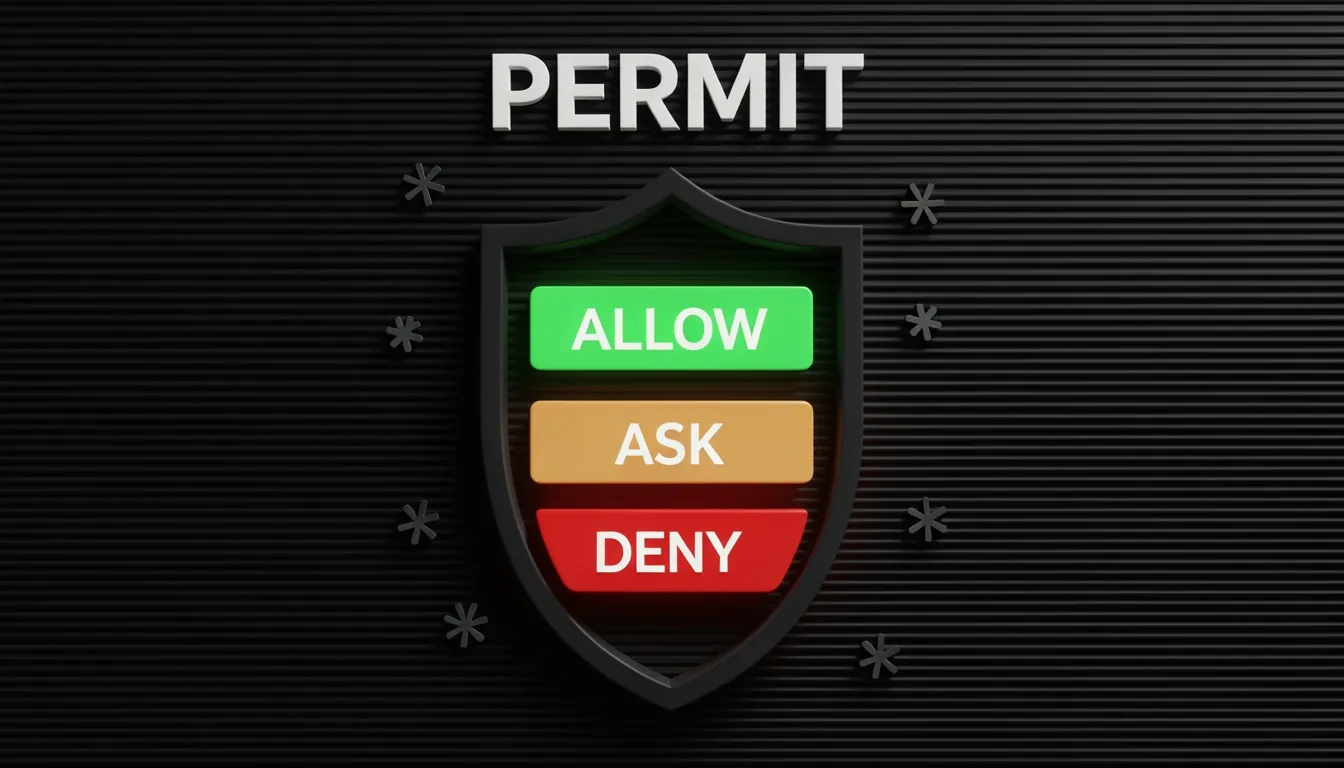
OpenCode's permission system is built around a simple but powerful idea: every tool call gets filtered through a rule that resolves to allow, ask, or deny. When I look at how this is configured, I see a system that prioritizes explicit control without forcing you to write complex policy engines. You can set these rules globally or override them per agent, which means a single project can enforce strict boundaries for one AI worker while giving broader access to another.
The real flexibility comes from the object syntax. Instead of assigning a single blanket action to a permission key like bash, you can provide an object that maps command patterns to specific actions. This is where the system gets interesting. If I want the agent to freely run git and npm commands but block destructive rm operations, I don't need separate plugins or wrapper scripts. I just define the patterns inside the bash block.
How Pattern Matching Works
The matching engine uses straightforward wildcards that behave exactly like shell globbing. An asterisk (*) matches zero or more characters, a question mark (?) matches exactly one character, and everything else is treated as a literal match. I find this intuitive because it mirrors how most developers already think about file paths and command filtering.
There's also a handy convenience feature: home-directory expansion. If your rules reference paths outside the immediate workspace, you can use ~ or $HOME in patterns. This is particularly useful for external_directory rules where the agent might need scoped access to a config folder in your home directory without gaining free rein over the entire system.
Why "Last Matching Wins" Changes Everything
What stands out to me is the evaluation strategy. OpenCode processes rules in the order they appear, and the last matching rule always takes precedence. This is different from many allow-list and deny-list systems that prioritize explicit denies or use hierarchical inheritance.
In practice, this means configuration order is not just cosmetic; it is the logic. The recommended pattern is to start with a catch-all rule like "*": "ask", which sets a conservative baseline prompting for approval on everything. Then you layer specific exceptions underneath: "git *": "allow", "npm *": "allow", "rm *": "deny", "grep *": "allow". Because the specific rules appear after the wildcard, they override it.
If you reversed this order and put the catch-all at the bottom, you would effectively nullify your specific overrides. I see this as a common pitfall for newcomers who assume that narrower patterns automatically win regardless of position.
Applying the Syntax Across the Toolset
The object-syntax approach isn't limited to bash. It applies to edit, glob, grep, list, task, external_directory, lsp, and skill as well. However, you need to pay attention to which keys support pattern objects and which don't.
- Keys supporting shorthand OR object syntax:
read,edit,glob,grep,list,bash,task,external_directory,lsp,skill - Keys supporting shorthand ONLY:
todoread,todowrite,webfetch,websearch,codesearch
For the shorthand-only keys, you get a single global action. You can't, for example, allow web fetches from api.github.com while blocking everything else using pattern objects. That granularity simply isn't available for those specific permissions, so you need to decide whether the agent gets blanket access, must ask every time, or is completely blocked.
When I configure an agent, I treat the bash block as the canonical example of how to think about the entire system:
{
  "bash": {
    "*": "ask",
    "git *": "allow",
    "npm *": "allow",
    "rm *": "deny",
    "grep *": "allow"
  }
}
This five-line block captures OpenCode's philosophy: default to caution, explicitly bless safe workflows, and hard-block dangerous ones. The fact that this same mental model transfers directly to file operations via edit or glob makes the configuration surface surprisingly consistent once you internalize that order matters more than specificity.
Agent Configuration: JSON vs Markdown Frontmatter
OpenCode gives you two ways to define agents, and the choice is not just stylistic—it directly affects behavior and precedence. JSON configuration lives in opencode.json under the agent key and exposes the full control surface: mode (primary, subagent, or all), model in provider/model-id format, prompt pointing to a system prompt file, temperature, top_p, steps, color, hidden, disable, and permission. When I need granular control, this is where I start. Markdown agent definitions sit in ~/.config/opencode/agents/ for global access or .opencode/agents/ for per-project scoping. The filename becomes the agent name—drop in review.md and you instantly have a review agent—with YAML frontmatter handling metadata and the Markdown body serving as the system prompt.
The Precedence Trap You Need to Avoid
Here is where things get messy. OpenCode loads Markdown files after JSON config, which means frontmatter values can override your carefully crafted opencode.json settings. I find this particularly dangerous with the legacy tools field. Although tools is deprecated in favor of the newer permission key, if a Markdown frontmatter still contains it, OpenCode converts those tool declarations into permission rules that silently overwrite JSON values. If you are using pattern-based permission.task rules in JSON, a stray tools entry in a Markdown file will break them without warning. My recommendation is simple: define every permission inside opencode.json and strip any tools references from Markdown frontmatter entirely.
Primary Agents vs. Subagents
Not every agent operates with the same authority. Primary agents are the main assistants you interact with directly, switchable via the Tab key or the switch_agent keybind. Subagents are specialized workers that primary agents can invoke—or you can trigger manually with an @ mention. OpenCode ships with several built-in roles: Build runs as a primary agent with all tools enabled, while Plan is primary but restricted. General, Explore, and Scout fill out the roster, with the latter two operating as subagents. This hierarchy matters because a subagent with overbroad permissions can accidentally escalate its own capabilities when called by a primary agent.
Fine-Tuning Behavior with Temperature and Steps
When I configure an agent, I pay close attention to temperature and steps because they govern both creativity and cost. For focused deterministic analysis, I keep temperature between 0.0 and 0.2. General development work feels right at 0.3 to 0.5, while brainstorming sessions can push toward 0.6 to 1.0. Most models default to 0, though Qwen models ship with a default of 0.55. Then there is steps, formerly called maxSteps, which caps the maximum number of agentic iterations before the system forces a text-only response. Setting "steps": 5 creates a quick-thinker that summarizes its work and recommends remaining tasks instead of spiraling into expensive unbounded tool calls. It is one of the most effective cost-control levers in the entire system.
The Permission Matrix and Validation Safeguards
The permission key exposes a dense matrix of capabilities:
- read: read access
- edit: write, edit, apply_patch
- glob: glob
- grep: grep
- list: list
- bash: bash
- task: task
- external_directory: tools accessing files outside the project worktree
- todowrite: todowrite, todoread
- webfetch: webfetch
- websearch: websearch
- lsp: lsp
- skill: skill
- question: question
- doom_loop: recovery prompts for stuck agents
OpenCode validates configuration automatically before running an agent. It checks that the model actually exists and that its provider is available, ensures maxTokens never exceeds half the context window, and verifies that reasoningEffort is only paired with compatible models. If anything looks wrong, it falls back to default models and logs a warning rather than crashing.
If you prefer a guided setup, the opencode agent create command walks through an interactive five-step wizard: choose global or per-project scope, enter a description, let an LLM generate the system prompt and identifier, select permissions interactively, and write the final Markdown configuration. It is convenient, but I still recommend auditing the generated frontmatter to ensure no legacy tools field sneaks back in to override your JSON permissions.
Token Usage Optimization and Context Control
When I look at how OpenCode burns through tokens, the economics become clear immediately: every single interaction—whether I’m generating a function, refactoring a module, or running a debug loop—pulls from the same metered budget. Prompt tokens aren’t just my raw instruction; they include the full code context I’m feeding in, system-level directives, file snippets, diffs, and the internal state of any multi-step agent workflow. In practice, this means a short five-word request can balloon into thousands of tokens once the surrounding file context, dependency graphs, and test cases are packed into the prompt.
Why Code Workloads Devour Tokens
I’ve noticed that code tasks consume tokens at a rate that feels disproportionate compared to natural language conversations, and there are four structural reasons why:
- Massive context windows. When I ask OpenCode to modify a function, the agent often needs the entire file, plus related imports, dependency graphs, and relevant test cases. Shipping whole directories instead of targeted files multiplies the prompt size instantly.
- Structural token density. Every indentation level, bracket, semicolon, and newline tokenizes individually. A few thousand lines of code can easily consume more tokens than a lengthy essay because syntax and formatting aren’t free; the tokenizer counts every symbol.
- Multi-step reasoning loops. Agentic workflows rarely nail the answer in one shot. Each reasoning step can re-send the original context plus intermediate outputs, creating a snowball effect where token usage compounds with every iteration.
- Agent execution amplification. The agent reuses context across steps, passes intermediate state back and forth, and triggers automatic retries on failure. I’ve seen these loops chew through context budgets silently because the tool-calling cycle keeps appending state without trimming history.
Optimization Tactics That Actually Work
To keep costs predictable and latency low, I apply a tight set of constraints:
- Scope prompts to the task, not the repository. I avoid dumping an entire codebase into context. Instead, I pass specific file-level references and let retrieval augment what’s missing.
- Prefer retrieval over context stuffing. If the agent needs a utility function, I fetch it on demand rather than preemptively including every possible dependency.
- Request diffs, not full files. When I need a change, asking for a unified diff keeps the output compact. Returning an entire rewritten file doubles the token burn for no operational gain.
- Bound execution aggressively. I set hard limits on maximum agent steps, retry counts, and per-request token budgets before the loop starts. This prevents runaway execution from draining the budget.
- Cache intermediate results. If a prior step computed an AST or analysis, I store and reference it rather than forcing the model to re-derive context.
- Instrument from day one. I track token usage at the request level immediately. Without per-call visibility, I’m flying blind on which operations are actually expensive.
Auto-Compact and the Local Model Trap
OpenCode includes an Auto-Compact feature that triggers around 95% context window usage, automatically summarizing earlier conversation turns to free up space. It’s a useful safety net, but I treat it as a last resort, not a strategy. Relying on compaction means I’ve already let the context bloat too far.
For local models, there’s a critical configuration landmine: Ollama defaults to a 4096-token context window, which is far too small for agentic coding. OpenCode’s tool-calling loops eat context rapidly, and hitting that ceiling causes truncation or failures. I consider 64,000 tokens the practical minimum for serious agentic work.
Fixing this requires building a custom model definition. I create a Modelfile with:
FROM qwen2.5-coder:7b
PARAMETER num_ctx 65536
Then I build it with:
ollama create qwen-coder-64k -f Modelfile
Skipping this step means the local agent will constantly fight its own memory limit, making complex tasks impossible regardless of hardware.
Token discipline in OpenCode isn’t about shaving pennies; it’s about keeping the agent functional. When I control context size, bound execution, and configure local context windows correctly, the difference is stark. The agent stays coherent across longer tasks, costs stay linear, and I avoid the frustration of watching a workflow collapse because the context window slammed shut.
Terminal-First Design Philosophy and Core Architecture
I see OpenCode as a direct rejection of the browser-tab workflow that has dominated AI-assisted development. Built by the same engineers behind SST (Serverless Stack), this MIT-licensed project has accumulated over 95,000 GitHub stars and serves more than 300,000 monthly active developers as of 2026. Rather than treating the terminal as a fallback interface, OpenCode positions it as the primary development surface—a decision that fundamentally reshapes how an AI agent integrates into the engineering workflow.
Client/Server Architecture Under the Hood
When I look at how OpenCode launches, it immediately spins up two distinct processes. The backend is a JavaScript server running on Bun and built with the Hono framework; this handles the heavy lifting of LLM communication, file operations, and shell command execution. Simultaneously, a Go-based TUI process renders the actual interface. This split is deliberate: it keeps the rendering layer lightweight and responsive while the JavaScript backend manages asynchronous I/O with LLM providers. I notice this architecture avoids the common trap of blocking the UI during long-running model inference.
Eliminating Context Switching
The zero-context-switching principle resonates with me because it addresses a real, measurable cost. UC Irvine research suggests that every Alt+Tab from editor to browser-based AI burns roughly 23 minutes of refocused attention. OpenCode eliminates this entirely by embedding the agent exactly where code is written, tested, and deployed. The interface follows a Vim-inspired keyboard philosophy—Ctrl+N for new sessions, Ctrl+P for file search, Ctrl+R for command history, and Tab for agent switching—meaning I never have to reach for a mouse. The TUI is not a thin CLI wrapper; it is a thoughtfully designed application with syntax highlighting, side-by-side diffs, file tree navigation, and multi-panel layouts.
Provider Agnosticism and Real-Time Diagnostics
I find the LLM integration particularly robust. OpenCode supports over 75 providers through the models.dev database, including:
- Anthropic (Claude)
- OpenAI (GPT-4o, GPT-4.1)
- Google (Gemini 2.5)
- AWS Bedrock and Azure OpenAI
- Groq
- Local models via Ollama or vLLM
This provider-agnostic design prevents vendor lock-in. On the language side, native LSP integration covers 40+ languages—gopls for Go, pyright for Python, TypeScript-LS, and rust-analyzer, among others. After each code edit, the agent receives real-time diagnostics, feeding errors back into the LLM context for immediate self-correction. Additionally, Model Context Protocol (MCP) support lets me connect the agent to external tools, databases, and services through a standardized interface.
Agent Hierarchy and Session Management
The agent system is more nuanced than a single chatbot. The Build Agent serves as the primary implementation worker with full tool access. When I need analysis without side effects, the Plan Agent operates in read-only mode. For rapid codebase exploration, the Explore Subagent provides fast, read-only traversal, while the General Subagent handles complex multi-step research with full access. I can also define Custom Agents with bespoke system prompts, model selection, tool restrictions, and permission policies.
Supporting this are concrete workflow features:
- Multi-Session Parallelism: Running multiple agent sessions simultaneously
- Session Persistence: SQLite-backed storage that survives restarts
- Auto-Compact: Automatic context compression to prevent token bloat
- Shareable Links: Generating URLs for session sharing
- Custom Commands: Stored as Markdown files in
.opencode/commands/ - GitHub Integration: Triggering agents directly from issues and PRs via
/opencodementions
ACP and Editor Interoperability
OpenCode does not force me to abandon my editor. It implements the Agent Client Protocol (ACP), an open standard that connects AI coding agents to editors via JSON-RPC over stdio. Supported editors include Zed, JetBrains IDEs, Avante.nvim, and CodeCompanion.nvim. This means the terminal-first philosophy extends outward—I get the same agent intelligence whether I am inside OpenCode's TUI or my existing Neovim configuration.
The system prompt enforces minimal cognitive load by instructing agents to stay under three lines of text per response and avoid chitchat. When I combine this conciseness with the MIT license, the massive community traction, and the deep architectural rigor, OpenCode presents itself not as another AI wrapper, but as a foundational infrastructure layer for terminal-based development.