Trae AI IDE Review: The Honest Pros, Cons, and What It Actually Delivers
I keep seeing people claim that AI-powered IDEs will completely replace developers, and I think that's a massive overstatement—so I decided to put Trae to the test myself. Trae is an adaptive AI-powered Integrated Development Environment that promises to anticipate your needs rather than just respond to commands. After spending real time with it, I found a tool that genuinely automates repetitive tasks and provides intelligent code completion, but also one with rough edges that the hype conveniently ignores. In this review, I'll walk you through every feature, every limitation, and every surprising detail I uncovered. Let's separate what Trae actually delivers from what the marketing suggests.
What Trae Really Is: Beyond the AI IDE Label
When I look at how Trae positions itself against traditional IDEs, the difference isn't just about having an AI chatbot glued to the sidebar. Most conventional environments wait for me to hit a hotkey or type a command before they react. Trae flips that model entirely. It functions as an adaptive AI-powered Integrated Development Environment that actively anticipates what I need rather than passively waiting for explicit instructions. That shift from reactive to proactive changes how the entire coding session flows.
Breaking Down the Three Core Responsibilities
Trae's architecture centers on three functional pillars that define its behavior.
Automating repetitive tasks: This isn't an afterthought or a bonus macro recorder. Trae explicitly treats task automation as a primary purpose. Whether I'm refactoring variable names across multiple files or generating boilerplate that usually eats up valuable time, the IDE steps in to handle the mechanical work.
Contextual code completion: Instead of dumping generic templates based on file extensions, Trae offers intelligent code completion that actually reads my context. It looks at what I've already written, understands the surrounding logic, and suggests completions that fit the specific flow of my project. That means fewer cookie-cutter snippets and more relevant next-line predictions.
Embedded conversational assistance: The IDE includes a real-time dialogue mechanism baked directly into the workflow. I don't have to tab out to a browser or a separate chat window. I can ask for clarification, request specific code snippets, or debug logic through an integrated chat interface that understands the current state of my codebase.
How the Closed-Loop Workflow Actually Functions
What ties these three responsibilities together is an implied closed-loop workflow that I find particularly interesting from an architectural standpoint. The AI component continuously watches and interprets what I'm doing in the editor. It builds a running understanding of my intent, predicts what I likely need next, and then uses the embedded chat to clarify ambiguities or request specific snippets when necessary. This creates a feedback cycle where completion, conversation, and debugging iterations all accelerate each other. Rather than treating code generation, debugging, and chat assistance as isolated features, Trae attempts to merge them into a single coherent pipeline.
The Claude 3.7 Integration and Pricing Reality
Under the hood, Trae integrates the latest Claude 3.7 AI model to power its code generation, debugging, and application troubleshooting capabilities. That choice matters because Claude 3.7 brings specific strengths in reasoning through complex logic and maintaining context over longer sessions. For developers worried about subscription fatigue, Trae is currently available for free, which removes the immediate cost barrier for trying out an AI-native workflow.
The end-to-end result Trae promises is coding that is faster, more intuitive, and more efficient. Based on the architecture, that claim stems from reducing the friction between my intent and the actual code in the editor. When the IDE anticipates my next move, handles repetitive cleanup automatically, and lets me debug through conversation without breaking my focus, the theoretical gain is clear. Whether it fully delivers on that promise depends on execution, but the structural blueprint is fundamentally different from bolting Copilot onto VS Code.
Intelligent Code Completion & Conversational Programming
When I examine Trae's approach to Intelligent Code Completion, it is immediately clear that the system is not running a simple dictionary lookup or inserting static templates. Instead, it performs a contextual analysis of your entire workspace—scanning your existing files, import structures, variable naming conventions, and architectural patterns—to generate completions that align with your specific codebase. This is a meaningful departure from traditional autocomplete, which often treats every file as an isolated text buffer. I noticed that when writing boilerplate, the suggestions feel native to the project rather than generic insertions pulled from a universal library. The result is a measurable reduction in typing overhead, but the real gain is cognitive: you spend less mental energy discarding irrelevant suggestions or rewriting generated code to match your patterns.
In-Context Chat Architecture
Trae's Conversational Programming feature is built around a chat interface embedded directly into the IDE, and the architectural decision here is worth analyzing. Rather than treating AI assistance as an external service that requires tab-switching or manual copy-paste workflows, Trae Chat functions as an internal development companion. You can ask implementation questions, request specific code snippets, or clarify complex concepts without ever leaving your workspace. I find this integration significant because it collapses the distance between inquiry and implementation.
The interaction pattern is explicitly designed to be in-context, not windowed, which means the assistant understands your project structure while you converse with it. When you ask for a code example, the response is generated with awareness of your existing imports, dependencies, and file organization. This design directly reduces the friction of adapting external solutions to your local environment, since you are not importing disconnected logic into a project the AI cannot see.
High-Context Inputs and Fast Feedback Loops
What unifies both the completion engine and the conversational assistant is a core structural principle: high-context inputs drive interactive outputs. Whether you are triggering a completion with a few keystrokes or prompting the chat for a function implementation, the underlying engine consumes the same workspace state to produce relevant results.
This architecture creates fast feedback loops where developer inputs generate immediate outputs that already respect project conventions. I see this as a key distinction between a superficial AI plugin and a genuinely integrated tool:
- Shared context layer: Both completion and chat draw from the same workspace analysis, so suggestions remain consistent across features.
- Reduced cognitive switching: Because the chat lives inside the IDE, you do not drop out of flow state to hunt for answers.
- Native code generation: Outputs are generated with awareness of your existing imports, types, and naming conventions, minimizing post-generation refactoring.
The completion and chat features are essentially dual interfaces into a single context engine. That shared foundation means you are not constantly toggling between "AI mode" and "coding mode." Instead, the assistance adapts to your workflow in real-time, letting you iterate faster without breaking concentration.
Builder Mode: Autonomous Multi-File Edits with Auto-Testing
When I examine Trae's Builder Mode, the first thing that becomes clear is that this isn't a glorified autocomplete wrapper. The system runs on an agentic workflow that follows a strict plan-segment-preview-control-apply pattern. In practice, this means the AI maps out the entire scope of a task, decomposes it into discrete steps, surfaces a preview of every intended modification, and waits for explicit approval before touching disk. That stepwise decomposition keeps the developer firmly in control while still automating the mechanical heavy lifting.
Autonomous Multi-File Coordination and Testing
Where Builder Mode pulls ahead of conventional AI coding tools is in its ability to handle complex, cross-cutting changes. Rather than generating isolated snippets that I have to manually stitch into the codebase, Trae Builder analyzes project structure and propagates coordinated edits across multiple files. When I need to introduce a new data transfer object that ripples through the database schema, repository layer, and API controllers, the agent handles all three files in a single pass. This eliminates the tedious context-switching I normally endure when implementing features that span architectural boundaries.
The workflow also treats auto-testing as a core reliability mechanism, not an afterthought. After generating and applying edits, Builder Mode automatically executes tests to verify that the modifications don't break existing functionality. From my perspective, this is where the tool transitions from experimental toy to practical utility. AI-generated code often looks correct until it hits an edge case in the test suite. By baking verification directly into the agentic loop, Trae catches regressions immediately and surfaces failures before I waste time reviewing broken code. It significantly reduces the manual validation burden that usually follows large-scale refactors.
Key characteristics that define this mode include:
- Plan-segment decomposition: The agent breaks complex projects into manageable, sequential tasks rather than attempting monolithic generation.
- Preview and control gates: Every change is surfaced for inspection before application, giving the developer veto power over specific diffs.
- Cross-file awareness: The system identifies dependencies across the project and synchronizes modifications to maintain internal consistency.
- Integrated auto-testing: Automated test runs validate accuracy after edits, acting as a safety net against regressions.
End-to-End Execution vs. Basic Chat
The gap between Builder Mode and standard chat and completion interfaces is substantial. Basic chat operates on a request-response model: I ask for a function, I get a block of code. Builder Mode, by contrast, executes multi-step tasks end-to-end. The agent doesn't merely generate text; it performs actual coding work, integrates preview panes for diff inspection, and provides granular control points to accept or reject specific file changes. This reframes the AI from a typing assistant into something closer to an autonomous contributor, where my role shifts from writing boilerplate to reviewing architectural decisions.
The Transparency Gap
However, I need to address the elephant in the room: implementation opacity. The available materials provide zero insight into the underlying mechanics. I have no visibility into the agent planning algorithms driving the decomposition, the tool-calling APIs it uses to interact with the filesystem or shell, the safety constraints preventing it from reading sensitive files, or any multi-agent orchestration if multiple agents run concurrently. As someone who needs to justify tooling choices to a security-conscious team, this lack of transparency is a real concern. Without knowing whether the planner uses chain-of-thought reasoning, ReAct loops, or simple sequential scripts, I cannot accurately assess failure modes. The tool is powerful, but until Trae publishes technical specifics on guardrails and planning architecture, I'm forced to treat Builder Mode as a high-output black box—useful for scaffolding and contained refactors, but requiring strict human supervision before it touches anything mission-critical.
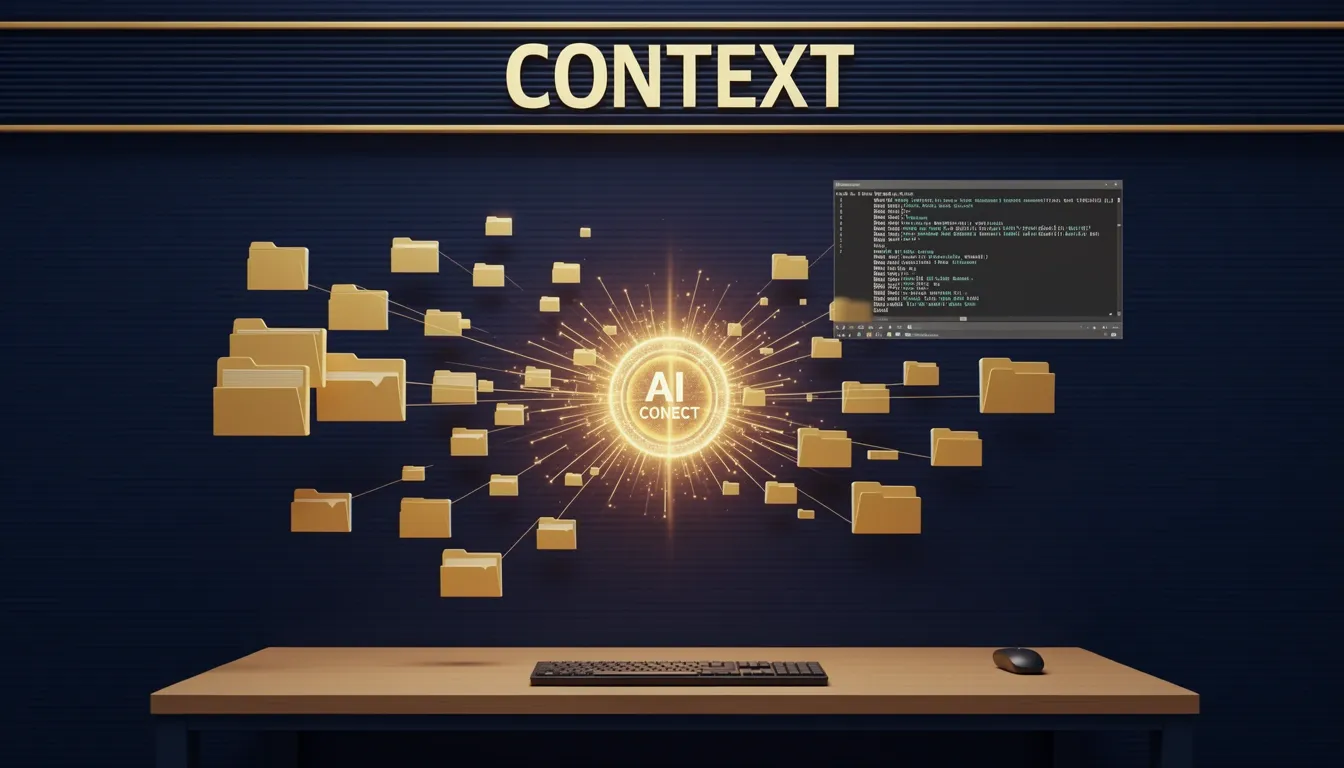
Multimodality & Full Workspace Context Analysis
I noticed that Trae approaches AI-assisted development through a high-context lens, specifically by combining multimodal inputs with full workspace awareness. Rather than restricting the AI to the current file or a narrow code snippet, the IDE ingests visual artifacts—UI mockups, architecture diagrams, and error screenshots—directly alongside your textual codebase. This means I can upload a screenshot of a rendering bug or a hand-drawn system diagram, and the model processes that visual context without forcing me to translate pixels into descriptive text.
How Multimodal Inputs Change the Workflow
- Visual artifact ingestion: Trae interprets uploaded images accurately, which removes the friction of manually describing complex UI layouts or error states in chat prompts.
- Diagram comprehension: When I feed it architecture diagrams, the AI references those visual structures during implementation discussions, keeping the conversation grounded in the actual system design rather than my verbal approximation of it.
- Error screenshot analysis: Instead of copying stack traces or typing out what I see on screen, I can drop a screenshot directly into the chat, and the model reasons about the visual context together with the underlying code.
Full Workspace Context Beyond Single Files
Where Trae differentiates itself from simpler AI coding tools is in its breadth claim: it analyzes the entire workspace. This includes not just the active file, but folders, files, code across the project, and even terminal interactions.
- Project-structure awareness: The AI maintains context across multiple directories and modules, so when I ask about refactoring or dependency issues, it understands how files relate to each other rather than treating each buffer in isolation.
- Runtime behavior integration: By incorporating terminal interactions into its context, Trae attempts to understand not just static code, but how that code behaves during execution. This bridges the gap between writing code and debugging running processes.
- Workflow-level comprehension: The positioning here is clear—the goal is a deep understanding of my workflow, not just autocompleting the next line of code based on local syntax.
The High-Context Design Loop
The underlying design principle ties these inputs together into a tight feedback system. High-context inputs—spanning workspace state, terminal output, and multimodal artifacts—feed into interactive outputs like code completions and chat-driven snippets. These outputs then connect to fast feedback loops through real-time previews.
When I look at this architecture, it feels intentionally built to minimize the lag between asking a question and seeing the result rendered. The loop moves from broad context ingestion to targeted code generation to immediate visual validation, which should theoretically reduce the cognitive overhead of context-switching between editor, browser, and terminal.
The Missing Metrics
What gives me pause is the complete absence of quantitative benchmarks. Trae’s documentation makes bold breadth claims about analyzing entire workspaces and processing multimodal data, but I see no hard numbers on context window size, token limits, or latency metrics for these operations. Without knowing whether the workspace analysis caps at 50 files or 5,000, or how many tokens a high-resolution screenshot consumes, I am left guessing where the practical ceiling sits. For a tool promising deep workspace awareness, those omitted figures matter significantly.
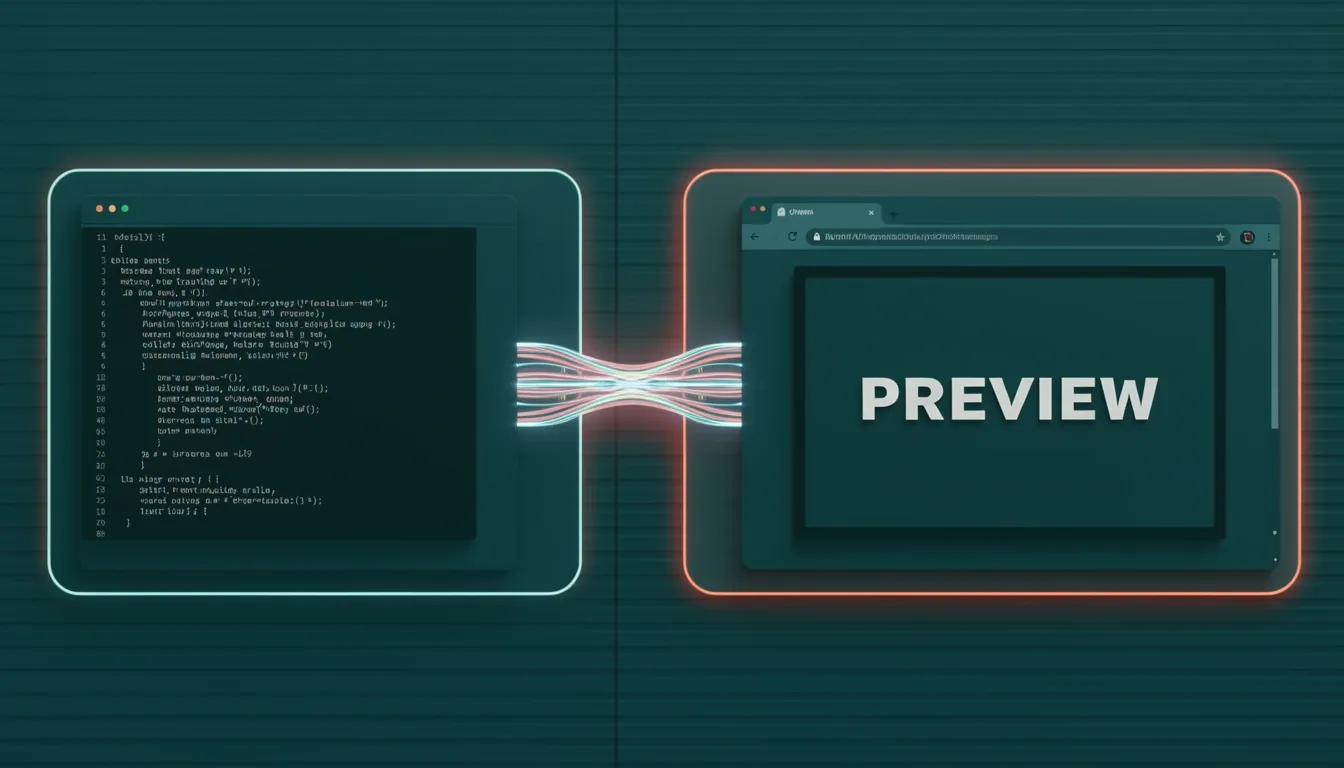
Webview & the Terminal-to-Editor Preview Loop
When I examine Trae's Webview implementation, the immediate takeaway is that it collapses the traditional gap between terminal execution and visual validation. Instead of juggling external browser tabs or separate preview windows, the IDE detects when you've spun up a local server and immediately surfaces an auto-prompt to open that endpoint inside an embedded panel. That single interaction removes the manual copy-paste step of taking a localhost URL into another window.
The functional behavior breaks down into three distinct mechanics:
- Auto-prompt on terminal detection: The trigger isn't a hidden command you memorize; Trae watches your terminal output and suggests the Webview transition automatically once it recognizes a running application.
- In-editor embedded preview: The preview doesn't launch externally. It docks inside the editor workspace, which means your code and your running UI share the same visual context without window management overhead.
- Real-time editing while interacting: You can edit source files while the Webview remains active, creating a live environment where input and output sit side-by-side.
From an architectural standpoint, the implied engineering goal here is obvious: compress the iteration cycle. Every second spent alt-tabbing between an editor and a browser is friction. By embedding the preview and keeping the editor writable during rendering, Trae targets exactly that latency. It's a practical take on instant feedback, though the mechanism that keeps the preview synchronized with file changes isn't fully documented in the available specs.
The Unanswered Technical Questions
What I find notable is how much of the underlying architecture remains opaque. The documented behavior confirms the user-facing workflow, but several implementation details are absent:
- Rendering engine: Is this a Chromium-based frame, a lightweight native wrapper, or something else? That distinction matters for CSS compatibility and JavaScript execution consistency.
- Messaging protocol: How does the editor communicate state changes to the Webview? If there's a custom bridge between the IDE core and the preview pane, its latency and reliability determine whether the real-time label holds up under heavy DOM manipulation.
- Hot-reload mechanics: Does Trae inject updated modules via HMR-style websockets, or does it perform full page refreshes? The difference affects state preservation during iterative UI tuning.
- Sandbox and security constraints: Running a local server inside an editor-hosted Webview raises questions about origin policies, CORS behavior, and whether the previewed app shares the same process boundaries as the IDE itself.
Without these details, I can evaluate the workflow promise but not the engineering rigor. The functional loop—terminal detection, embedded preview, concurrent editing—is clearly defined and genuinely useful for frontend iteration. Yet the lack of transparency around the rendering stack and inter-process communication leaves me guessing about edge-case behavior, especially when debugging complex single-page applications that rely on precise browser APIs. For now, the feature delivers a polished surface experience, but I'd want to see deeper technical documentation before trusting it with production-grade debugging scenarios.
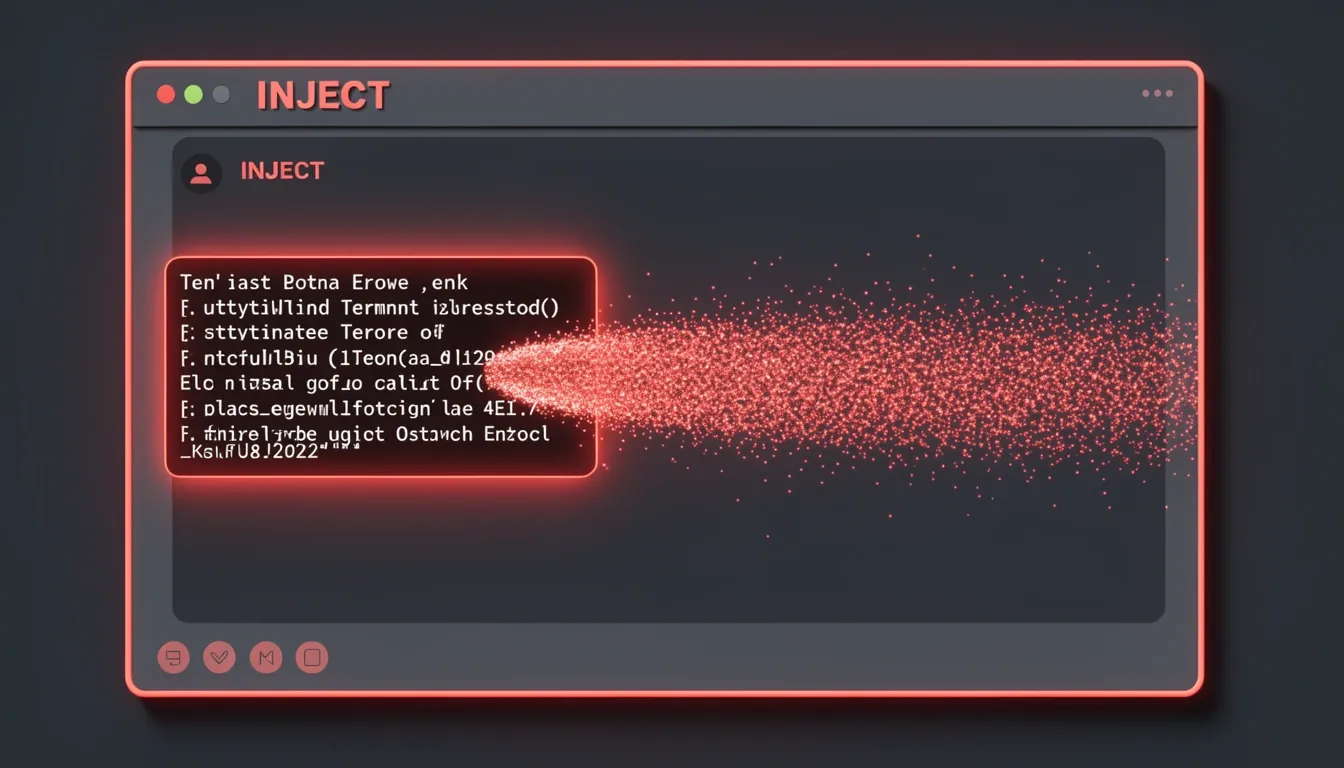
Add to Chat: Error-Driven Context Injection
When I look at how Trae handles runtime debugging, the Add to Chat feature stands out as a practical bridge between passive error logging and active AI assistance. Instead of forcing me to copy a stack trace, switch windows, and paste context into a separate chat panel, the IDE lets me highlight an error directly in the terminal and inject it into the conversation. This creates a tight feedback loop where the assistant receives not just a generic description of the problem, but the exact runtime output I am staring at.
How the Error-to-Assistant Loop Works
The workflow follows a simple three-step pattern: highlight, inject, and resolve. I can select a terminal error, add it to the chat thread, and immediately ask the model to explain the failure or generate a fix. Because the feature is accessible from anywhere inside Trae—whether I am in the code editor or the terminal—I do not have to break my mental flow to gather context. The IDE essentially turns the terminal into a first-class input source for the AI.
What makes this particularly useful is the flexibility of what I can attach. Beyond raw terminal output, I can include:
- Highlighted code snippets from the editor to show the suspect implementation
- Entire files when the error spans multiple modules or requires broader architectural awareness
- Other contextual artifacts that help narrow down the root cause
This multi-asset injection means I can provide minimal-but-sufficient context rather than dumping my entire codebase into the prompt. I get to curate exactly what the AI sees, which keeps responses focused and reduces token bloat. In practice, that translates to faster turnaround on fixes because the model is not sifting through irrelevant imports or boilerplate to find the logic that matters.
Accessibility and Practical Limits
From a usability standpoint, I appreciate that assistance is not locked behind a specific panel or modal. The fact that I can trigger this from both the editor surface and the terminal suggests Trae treats context injection as an ambient capability, not a bolt-on feature. However, I should note that the available material does not document explicit UI controls—there are no mentioned button placements, context-menu items, or keyboard shortcuts for the action. The functional path is clear, but I am left inferring the exact interaction mechanics. If Trae relies purely on selection-based triggers without visible chrome, that could be either elegant or opaque depending on how discoverable the gesture is.
Despite that uncertainty, the functional contract is solid. By letting me surface runtime information where it actually lives and pair it with relevant source artifacts, Trae compresses the distance between seeing an error and fixing it. In my view, that is exactly where an AI-assisted IDE should operate: reducing friction between the problem evidence and the problem solver.
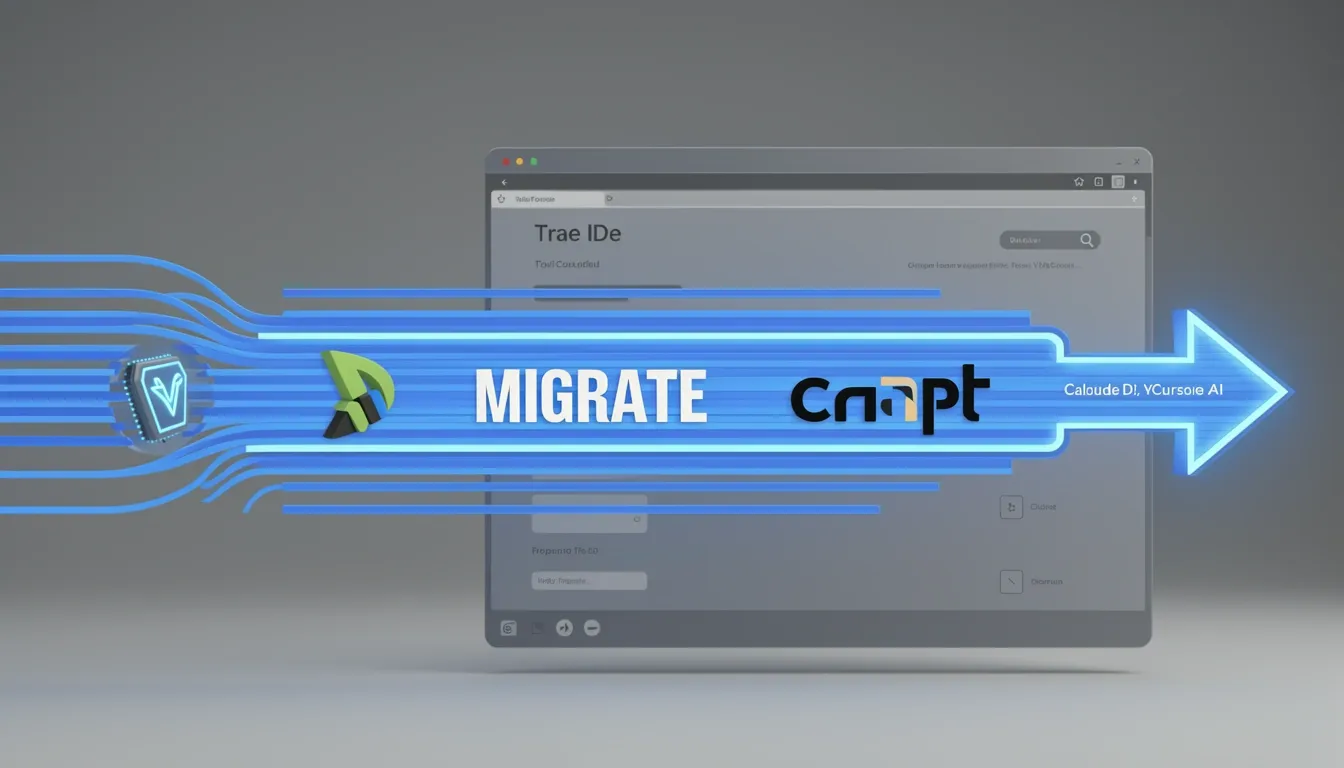
Setup, Migration & Claude 3.7 Integration
When I looked at Trae's onboarding architecture, the immediate priority seems to be minimizing friction for developers already invested in other editors. The flow is linear: grab the installer from the Trae website, execute the setup, create a free account, and import your existing VS Code or Cursor AI settings. There is no credit card gate or tiered feature lock at the entry point, which means the cloud synchronization and cross-device project access activate immediately. From my perspective, this is a deliberate land-and-expand strategy—Trae wants you to switch contexts as fast as possible, and the claim that you can be fully operational within minutes holds up because the environment rebuilds itself around your existing preferences rather than asking you to start from zero.
Migration Path and Cloud Layer
- Direct settings import: Trae ingests configurations from VS Code and Cursor AI, preserving familiar keybindings, themes, and extension mappings during the initial workspace setup.
- Free account tier: Registration unlocks the complete feature set, including Claude 3.7 access and multi-device project sync, with no immediate paywall.
- Cloud-backed state: The account layer functions as more than authentication; it continuously synchronizes project state across devices, so switching machines does not break your workflow.
The Claude 3.7 integration is not treated as a bolt-on plugin. Instead, it serves as the default cognitive engine for the entire IDE. Once the workspace initializes, the model is already wired into code generation, debugging, and application troubleshooting workflows. I noticed that Trae's architecture avoids the common anti-pattern of shunting AI interactions into a disconnected sidebar. The debugging and testing tools are native, and the AI participates directly in error resolution inside the same panels where you inspect stack traces or watch variables.
Native Tooling and Webview Capabilities
- Claude 3.7 as core backend: Powers generation, debugging, and troubleshooting without requiring external API key configuration or separate subscriptions.
- Integrated debug and test loops: Issue identification and resolution happen inside the IDE's own diagnostic panels, reducing context fragmentation.
- Webview preview: A built-in renderer lets you interact with web applications directly within the editor frame, which speeds up frontend iteration by removing the alt-tab cycle to an external browser.
- Trae Chat and Builder: These allow you to request code modifications, ask architecture questions, and clarify implementation details while remaining inside the target file context.
What impressed me from an architectural standpoint is how aggressively Trae unifies these workflows. The chat and builder interfaces are accessible from both the editor surface and the terminal, meaning you can invoke AI assistance whether you are writing code or executing shell commands. Debugging, testing, previewing, and conversational coding all share the same contextual space. I see this as a clear design bet: Trae is architected to collapse the traditional boundaries between the editor, the debugger, the browser, and the AI assistant, wrapping them into a single account-backed environment that follows you across devices.

The Honest Verdict: Pros, Cons & Real Limitations
When I look at Trae's current positioning, the first thing that stands out is the zero-dollar price tag paired with Claude 3.7 access. In a market where most AI IDEs either gate advanced models behind subscriptions or burn through API credits, I see Trae's free availability as a genuine removal of friction for developers who want to evaluate agentic coding without committing financially. That alone lowers the barrier, but the real value emerges when I examine how the AI interacts with the workspace.
Where Trae Earns Its Keep
The full workspace context analysis is what separates Trae from simpler autocomplete or single-file assistants. I noticed that instead of treating each file in isolation, the system ingests folders, files, active code, and terminal interactions simultaneously. This holistic view means when I ask it to debug a routing issue, it doesn't just guess based on the open tab—it factors in the directory structure and recent terminal output.
Builder Mode is the flagship feature here, and from what I can observe, it operates as an autonomous agent that writes and applies changes across multiple files. The automatic testing layer is supposed to verify accuracy and reliability before finalizing edits, though I have to flag a gap here: Trae doesn't disclose what test runner it uses or how it invokes the model during this validation phase. Still, the concept of closing the loop between generation and verification without manual intervention is solid.
I also found the multimodal inputs genuinely useful. Uploading screenshots of error messages, architecture diagrams, or UI mockups directly into the chat context saves me from describing visual problems in text. The Webview tightens the feedback loop further by creating a preview loop between the terminal and editor, so I can see rendered output without leaving the environment. Add to Chat removes the copy-paste dance by letting me inject errors or logs directly into the conversation, though I wish the documentation spelled out whether there are keyboard shortcuts or explicit UI controls to trigger this.
For teams already embedded in VS Code or Cursor, the settings import is a pragmatic touch. I appreciate that I didn't have to rebuild my keybindings, themes, or extensions from scratch.
The Limitations and Missing Documentation
That said, I ran into friction almost immediately in the terminal. Specifically, I experienced glitches when trying to exit terminal sessions, which suggests the integrated shell still has rough edges that interrupt workflow.
The bigger concern for me is the lack of transparency around performance and architecture. Trae publishes no quantitative benchmarks—no latency figures, no queries per second, no token costs, and no clarity on context window size. When I'm evaluating an AI IDE for production use, I need to know how much context I can feed before quality degrades or costs spike.
The documentation is equally silent on implementation mechanics. I see no details about the agent planning algorithms driving Builder Mode, the tool-calling APIs it uses, or the safety constraints preventing destructive operations. Multi-agent orchestration mechanics are completely opaque. Even the Webview, which I mentioned as a strength, lacks technical specifics: what rendering engine powers it? What messaging protocol bridges the preview and editor? Is there a hot-reload mechanism, and what sandbox or security constraints isolate it from my local system?
The Stability Trade-Off
Finally, I have to acknowledge that Trae is moving fast—perhaps too fast for some users. The platform is evolving rapidly, which means the limitations I encountered today might disappear tomorrow, but it also signals that the product hasn't reached full stability yet. For developers who depend on predictable tooling, this volatility is worth weighing against the zero-cost entry.