Deploying Laravel on Coolify with Nixpacks: The Complete Production Blueprint
I've deployed more Laravel apps than I can count, and every single time I hit the same wall: the database connection refused error, the vanishing file uploads, the queue worker that dies mid-deploy. Coolify promised to make self-hosting easy, and it does—but only after you understand the hidden architecture decisions that Nixpacks makes on your behalf. The truth is, deploying Laravel on Coolify isn't just about pushing code and hoping for the best. It requires a deliberate multi-container strategy, precise environment variable wiring, and a Supervisor-based nixpacks.toml that bundles nginx, PHP-FPM, and your queue workers into a single cohesive unit. In this guide, I'm going to walk you through every configuration detail, every pitfall, and every optimization I've learned from production deployments on Coolify v4.0.0.
How Nixpacks Detects and Builds Your Laravel App
I find the detection logic refreshingly straightforward: Nixpacks identifies a Laravel project by locating the artisan file at the repository root. Once it spots that signature file, the build pack automatically chains three commands—composer install, npm install, and npm run build—without requiring any manual intervention. This zero-config approach gets most standard Laravel applications from repository to container in minutes, which is exactly what I look for when shipping side projects or internal tools quickly.
Configuration Priority and File Overrides
The configuration model follows a clear priority ladder:
- Provider defaults form the baseline.
- File-based settings (
nixpacks.tomlornixpacks.json) override provider defaults. - Environment variables trump file settings.
- CLI flags sit at the top and win every conflict.
If Nixpacks finds a nixpacks.toml or nixpacks.json at the app root, it automatically ingests those directives. I typically reach for nixpacks.toml when I need to tweak the build without cluttering Coolify's UI or exposing sensitive logic in environment variables.
Structuring Your nixpacks.toml Directives
The [phases.setup] block handles system-level dependencies. I use it to install Nix or Apt packages, and the "..." syntax is particularly useful—it appends to provider-generated arrays rather than replacing them entirely. For example, setting nixPkgs = ["...", "python311Packages.supervisor"] keeps the default PHP toolchain intact while adding Supervisor for queue workers.
Other key directives I rely on:
[phases.build]: Accepts an array of custom build commands if the default sequence needs modification.[start]: Defines the exact container startup command.[variables]: Injects key-value pairs directly into the final image environment.
The PHP Extension Wall
Despite its convenience, Nixpacks hits a hard boundary with custom PHP extensions. When I need non-standard extensions like php-imagick or specific compilation flags for php-redis, the automated Nixpacks provider often chokes. In those scenarios, I pivot to a multi-stage Dockerfile as the preferred build pack. It gives me full control over php.ini modifications, extension compilation, and base image selection—something the abstraction layer simply cannot guarantee.
Build Optimizations and Cache Strategy
Pinning the PHP version inside composer.json—for example, "php": "^8.3"—or adding a .php-version file prevents Nixpacks from guessing the runtime and speeds up resolution. I always commit package-lock.json because Nixpacks leverages npm ci under the hood, which strictly requires a lockfile to reproduce dependencies reliably. For monolithic codebases with heavy Composer trees, I set COMPOSER_MEMORY_LIMIT=-1 as a build variable to prevent OOM kills during install.
There is also a subtle but impactful Coolify-specific toggle: disabling "Include Source Commit in Build" preserves Docker layer cache between deployments. Without this, every git push invalidates the cache because the commit SHA changes the build context, forcing full rebuilds.
Nixpacks implements a multi-layer caching system that is worth understanding. During the install phase, the Node.js provider caches:
~/.npm/usr/local/share/.cache/yarn/root/.local/share/pnpm/store
During the build phase, it preserves node_modules/.cache. If the project stores artifacts elsewhere, I define custom paths via the cacheDirectories key in nixpacks.toml to keep subsequent builds snappy.
The nixpacks.toml Configuration: Nginx, PHP-FPM, and Supervisor in One Container
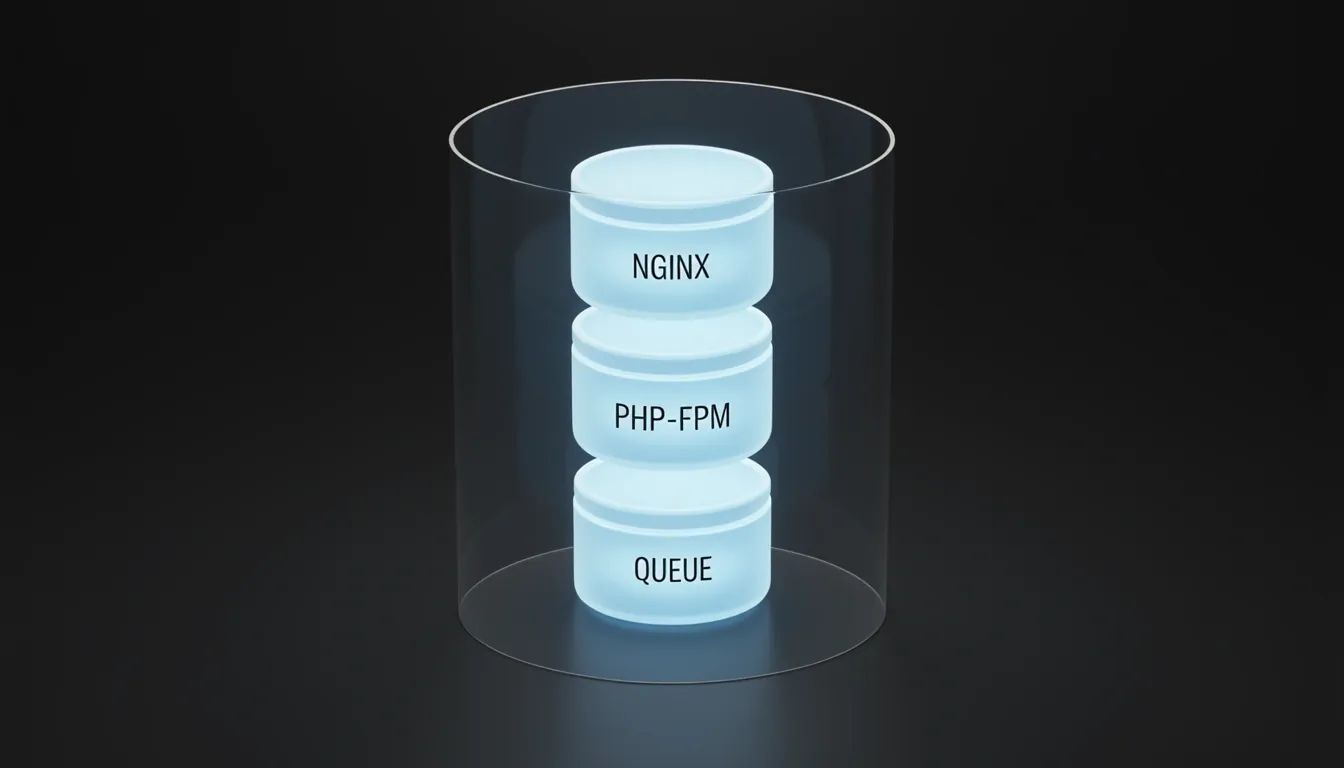
I see Coolify's official Laravel blueprint as a pragmatic mono-container pattern. Instead of orchestrating separate services across multiple containers, the provided nixpacks.toml folds the web server, PHP runtime, queue workers, and scheduler into one supervised unit. The key dependency that makes this possible is python311Packages.supervisor, installed during the setup phase. During the build phase, the configuration seeds three critical assets: supervisor process definitions, the main supervisord.conf, and an executable start.sh script that serves as the container's entrypoint. When the container boots, Supervisor takes over and manages every subprocess from there.
The Build Pipeline and Entrypoint Strategy
The configuration is split into three distinct lifecycle blocks that keep the container build reproducible:
[phases.setup]: Pulls inpython311Packages.supervisoralongside the base Nix environment. This is the only extra system dependency required to run multiple processes inside a single container.[phases.build]: Creates/etc/supervisor/conf.d/, copiesworker-*.confandsupervisord.confinto place, and ensures/assets/start.shis executable. These steps prepare the filesystem before the final image layer is sealed.[start]: Executescmd = '/assets/start.sh'. This is the only command Coolify invokes directly; Supervisor forks everything else after that point.
Inside the Supervisor Process Tree
Once start.sh triggers supervisord, I notice three distinct worker profiles handling the full request lifecycle:
- worker-nginx: Runs
nginx -c /etc/nginx.confto handle HTTP traffic. This acts as the edge proxy and static file server. - worker-phpfpm: Runs
php-fpm -y /assets/php-fpm.conf -Fin foreground mode. The-Fflag is critical here because it keeps PHP-FPM attached to stdout/stderr under Supervisor's watch. - worker-laravel: Runs
php /app/artisan queue:work --sleep=3 --tries=3 --max-time=3600. This gives the container active queue consumption without needing a separate worker service.
Production Tuning for PHP-FPM and Queue Concurrency
The bundled php-fpm.conf uses a dynamic process manager, which I find appropriate for mixed-traffic Laravel apps. The pool settings are aggressive out of the box:
- pm.max_children = 50
- pm.start_servers = 18
- pm.minspareservers = 4
- pm.maxspareservers = 32
- postmaxsize = 35M and uploadmaxfilesize = 30M
For the queue side, Supervisor spawns numprocs = 12 Laravel worker instances by default. That is a lot of memory pressure for smaller instances, so I would dial this back to 2 on low-CPU or memory-constrained containers. The graceful shutdown behavior is well thought out: stopwaitsecs = 3600 gives long-running jobs a full hour to finish, while stopasgroup = true and killasgroup = true ensure the entire process group terminates cleanly without orphaned PHP processes.
Nginx Variables and Inertia SSR Extension
The nginx configuration template uses variables injected by the Nixpacks build system and Coolify runtime:
${PORT}: Injected by Coolify at runtime. You must set Ports Exposes to 80 in the Coolify UI so this mapping resolves correctly.${NIXPACKS_PHP_ROOT_DIR}: Defaults to/app, aligning with Laravel's standard project root.${NIXPACKS_PHP_FALLBACK_PATH}: Enables SPA-style fallback routing for frontend-heavy applications.$if(IS_LARAVEL): Auto-detected whenartisanexists in the project root, triggering Laravel-specific nginx rules.
If you are running Inertia.js with SSR, the base configuration needs two additions. First, append a dedicated supervisor program block:
"worker-inertia-ssr.conf" = '''
[program:inertia-ssr]
process_name=%(program_name)s_%(process_num)02d
command=bash -c 'exec php /app/artisan inertia:start-ssr'
autostart=true
autorestart=true
'''
Second, update your package.json build pipeline to emit both client and server bundles: "build": "vite build && vite build --ssr". I see this as a clean extension of the same supervisor model—SSR simply becomes the fourth managed process alongside nginx, PHP-FPM, and the queue worker.
What stands out to me is the consistency of the pattern. Every moving part—HTTP, PHP, queues, and even SSR—runs under a single process manager with explicit configuration files. That makes debugging, log aggregation, and local-to-production parity much simpler than stitching together sidecars or external worker containers.
Critical Environment Variables and the DB_HOST Trap
When I look at failed Laravel deployments on Coolify, the root cause almost always traces back to a handful of misconfigured environment variables rather than application code. Coolify encrypts every variable at rest and injects them per-resource, which gives us a solid security foundation—but that protection means nothing if the container cannot reach the database because of a bad hostname. I start every production resource with the core application block: APPNAME set to the human-readable project name, APPENV=production, APPDEBUG=false, and APPURL=https://myapp.com including the full protocol. Without the protocol on APP_URL, Laravel generates malformed signed URLs and asset links that quietly break password resets and email verification flows.
Why DB_HOST Breaks Most First-Time Deployments
Inside Coolify's Docker network, containers do not talk to each other via localhost or 127.0.0.1. I see developers set DB_HOST=localhost out of habit, then stare at "Database connection refused" errors wondering why the credentials work on their laptop but fail in production. The fix is simple: use the Coolify resource name exactly as it appears in the resource's General tab. For example, if your PostgreSQL resource is named postgres-production, your Laravel application needs DB_HOST=postgres-production. This name resolves internally through Docker DNS, routing traffic directly to the correct container without ever leaving the private network.
Alongside the hostname, I always lock down the standard Laravel database block:
- DB_CONNECTION:
pgsqlormysql, matching your Coolify resource type - DB_PORT:
5432for PostgreSQL,3306for MySQL - DBDATABASE / DBUSERNAME / DB_PASSWORD: Credentials must align with the database user created inside the resource
For session, cache, queue, and lock storage, I point everything at Redis:
- CACHE_STORE:
redis - SESSION_DRIVER:
redis - QUEUE_CONNECTION:
redis - LOCK_DRIVER:
redis
That last one catches people off guard. The default file lock driver keeps a local filesystem flag, which works fine on a single server but becomes useless once you scale to multiple worker containers. Setting LOCK_DRIVER=redis ensures that Cache::lock() coordinates correctly across every running instance.
Generating and Rotating APP_KEY Safely
The APP_KEY is a 32-character base64 string that Laravel uses for encryption, signed URLs, and session integrity. I generate it locally with php artisan key:generate --show, copy the output, and paste it directly into Coolify. It never belongs in version control, and each environment—staging, production, anything—needs its own distinct key.
Rotating a compromised key is a four-step operation that cannot be skipped:
- Decrypt all existing encrypted data using the current key
- Update
APP_KEYinside Coolify's environment panel - Redeploy the application so the config cache rebuilds with the new value
- Re-encrypt all sensitive data using the fresh key
Missing step one or four leaves you with corrupted passwords or unreadable personal data.
Build Variables vs Runtime Injection
Coolify splits variables into two buckets, and choosing the wrong bucket breaks builds or leaks secrets. Build variables are available during docker build; runtime variables are injected when the container actually starts. I mark COMPOSER_MEMORY_LIMIT=-1 as a build variable so composer install does not hit an out-of-memory kill during image creation. Conversely, I uncheck "Is build variable" for multi-line secrets such as private keys or TLS certificates. Dockerfile-based builds often choke on newline characters during the build phase, whereas runtime injection handles them cleanly.
Shared Variables and Team Hierarchy
Coolify organizes access through a four-level hierarchy: Team → Project → Environment → Resource. The Team layer acts as the multi-tenancy isolation boundary, with RBAC roles split into Owner (full control), Admin (resource management), and Member (restricted access). Instead of copy-pasting the same SMTP password into fifteen different resources, I use shared variables at the team, project, or environment level and reference them with the {{environment.VARIABLE_NAME}} syntax. This keeps secrets synchronized and reduces the surface area for typos.
Pre-deployment vs Post-deployment: Safe Migration Strategies
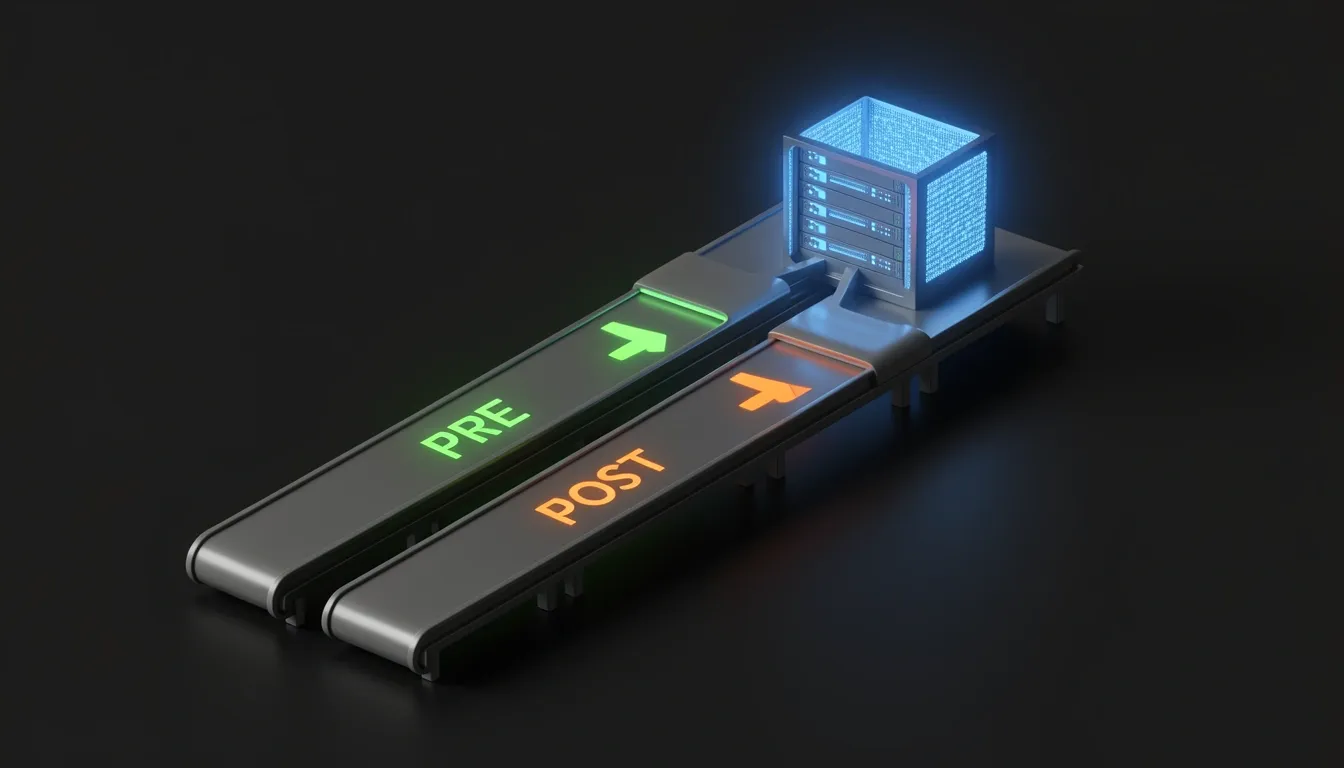
When I look at how Coolify orchestrates container swaps, the timing of when php artisan migrate runs isn't just a preference—it directly determines whether a bad migration takes the site offline. Coolify exposes two distinct hooks: Pre-deployment Commands and Post-deployment Commands. The difference hinges on which container image is actively serving traffic when the database schema changes.
Pre-Deployment Commands: The Zero-Downtime Safety Net
I always recommend running migrations as a Pre-deployment Command whenever possible. Here is exactly what happens under the hood: Coolify spins up the new container image, executes the command inside it, and only routes traffic to that container if the exit code is zero. If migrate --force fails or any subsequent optimization step throws an error, the deployment halts and the previous container keeps handling requests. Nothing breaks for the user.
The canonical command I use follows a strict sequence:
php artisan migrate --force && php artisan config:cache && php artisan route:cache && php artisan view:cache && php artisan storage:link
Each piece serves a concrete purpose in the startup lifecycle:
migrate --forcebypasses Laravel's interactive production confirmation prompt. Without the--forceflag, the command hangs indefinitely becauseAPP_ENV=productiondisables the "Are you sure?" prompt by default.config:cachecompiles every.envvariable andconfig/*.phpfile into a single optimized PHP array inbootstrap/cache/config.php. This eliminates hundreds of file-system calls on every request.route:cacheserializes the entire route map intobootstrap/cache/routes.php, which makes the router blazingly fast by skipping regex recomputation.view:cacheprecompiles all Blade templates into raw PHP ahead of time, removing the template engine overhead at runtime.storage:linkcreates the symbolic link frompublic/storagetostorage/app/publicso user-uploaded assets remain publicly accessible.
Post-Deployment Commands and Automatic Rollbacks
There is a legitimate alternative pattern that runs migrations after the new container is already live. I noticed that Stu Mason's production setup specifically places php artisan migrate --force in the Post-deployment slot. The trade-off is immediate: if a migration fails, Coolify detects the error and performs an automatic rollback to the previous container image. This pattern shines when a migration must execute against the newly deployed code—perhaps because the migration relies on a class or helper introduced in the latest build that doesn't exist in the old container.
The Entrypoint Script Pattern (laravel-coolify v2.8.0+)
For teams using the sevalla/laravel-coolify Composer package starting at version 2.8.0, there is an even tighter safety mechanism. The package auto-generates a Docker entrypoint script that fires on every container startup. It runs php artisan migrate --force with proper error handling, then immediately executes php artisan optimize—the Laravel 12 gold-standard command that caches config, routes, views, and events in one shot. If the migration fails, the container never reaches a healthy state, so the deployment fails before traffic ever hits a broken schema. If the entrypoint drifts out of sync with the project, I regenerate it with:
php artisan coolify:install --force
Designing Deploy-Safe Schema Changes
Laravel's migration runner executes every pending migration in a single batch. That atomicity is great until a backward-incompatible change collides with running code. I split my deploy strategy based on the schema impact:
- Backward-compatible changes—adding nullable columns, creating new tables, adding indexes—are safe to run in pre-deployment. The old code simply ignores columns or tables it doesn't know about yet.
- Backward-incompatible changes—dropping columns, renaming tables, removing indexes—require a multi-step deploy:
- Ship the schema change in one deployment (e.g., adding a replacement column).
- Update the application code to read from the new field.
- Drop the legacy field in a subsequent deploy.
The Config Cache Trap Every Laravel Team Hits
One behavior I always account for is that once config:cache executes, any call to env() outside of the config/*.php files returns null. The framework intentionally stops reading .env at runtime to maximize performance. That means every env('YOUR_SETTING') buried in controllers, models, or service providers silently becomes null in production. I enforce the rule strictly: always reference configuration through config('your.setting'), never through env() in application code.
Persistent Storage and the Storage Symlink Bug
When I first mapped out Coolify's persistent storage architecture for Docker Engine destinations, I saw two distinct mechanisms that solve the same problem with very different trade-offs. Volume Mode creates a named Docker volume that Docker itself manages. You only need to specify a Name and a Destination Path inside the container, and Coolify automatically appends the resource's UUID to the volume name to prevent collisions across projects. Because Nixpacks-based containers use /app as the base directory, Laravel's storage directory must be mounted at /app/storage. If you are using a custom Dockerfile where the application lives at /var/www/html, the mount path must shift to /var/www/html/storage instead. I have seen deployments fail simply because this base path mismatch was overlooked.
Bind Mount Mode takes a different approach by mapping a host filesystem path directly into the container. This requires a Name for reference, a Source Path on the host, and a Destination Path inside the container. Unlike Volume Mode, no Docker volume is created at all. Coolify explicitly warns that sharing the same bind-mounted file between multiple containers is not recommended without proper file-locking mechanisms, since you are bypassing Docker's abstraction layer and exposing yourself to host-level race conditions.
The Storage Symlink Bug and Its Root Cause
While testing redeployments with persistent storage enabled, I ran into a documented issue that specifically haunts Laravel applications using Filament or similar file-upload libraries. Tracked as GitHub Issue #5805 in Coolify v4.0.0-beta.416, this bug causes images stored in storage/app/public to randomly disappear after a redeploy. The root cause is a race condition between Laravel's php artisan storage:link command, the container's filesystem overlay, and the Docker volume mount sequence. When the timing lines up badly, the symlink resolution fails entirely, and Coolify's logs output the telltale [storagelink] marker indicating that the path resolution broke during startup.
Working Fixes and Build Permissions
To recover from this state, I use a post-deployment command that forcibly rebuilds the symlink after the volume has stabilized:
rm -rf public/storage && ln -sf /app/storage/app/public /app/public/storage && php artisan optimize:clear && php artisan optimize
This removes the broken reference, creates a new symbolic link pointing directly to the persistent volume's public directory, and refreshes Laravel's cached configuration.
However, fixing the symlink is only half the battle. The Nixpacks build phase must also set correct ownership and permissions before the container ever starts serving traffic. My nixpacks.toml includes explicit permission fixes during the build phase:
[phases.build]
cmds = [
    "chmod -R 775 storage",
    "chmod -R 775 bootstrap/cache",
    "chown -R www-data:www-data storage",
    "chown -R www-data:www-data bootstrap/cache",
    "chmod -R 775 /app/storage/app/public",
    "chown -R www-data:www-data /app/storage/app/public",
]
Without these directives, the runtime user cannot write to the mounted volume, and Laravel will throw permission errors the moment it tries to cache a view or handle an upload.
Moving to S3-Compatible Storage
For production workloads handling significant file uploads, I generally prefer moving away from local persistent volumes entirely. Setting FILESYSTEM_DISK=s3 and configuring an S3-compatible provider eliminates both the symlink complexity and disk space anxiety. I typically reach for Cloudflare R2, Backblaze B2, Wasabi, or a self-hosted MinIO cluster. This approach survives full server replacement without manual volume migrations, and it removes the single-point-of-failure that a bind mount or local Docker volume represents on a single-node Coolify instance.
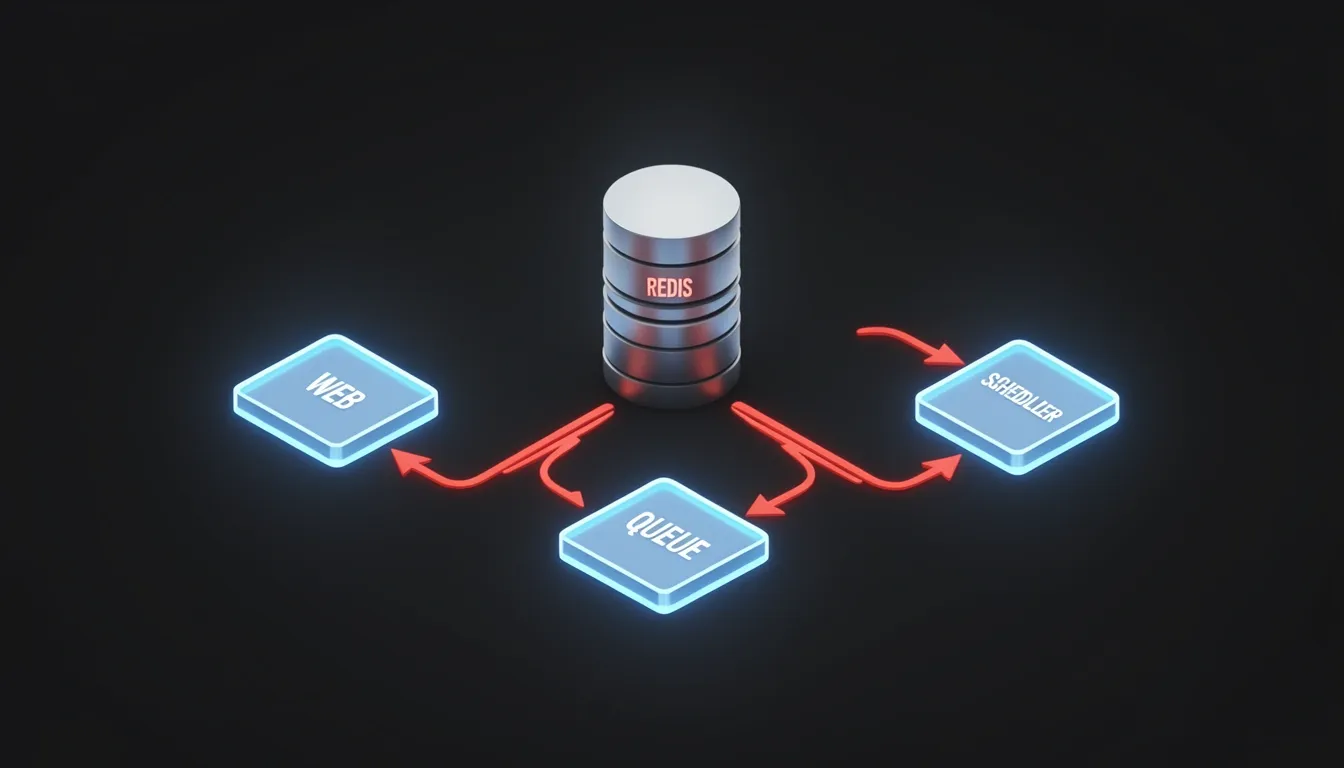
Queue Workers, Scheduler, and Redis Architecture
When I deploy Laravel on Coolify, I immediately split queue workers into a separate Coolify resource pointing at the same repository. The start command I use is php artisan queue:work --tries=3 --max-time=3600. This separation is deliberate: when the web container deploys a new build, the worker resource keeps processing jobs from the old deployment until it gracefully restarts, which prevents dropped jobs during rollouts. The --max-time=3600 flag is essential here—long-running PHP processes leak memory, and forcing a restart every hour keeps the worker lean without interrupting active work. I set --tries=3 so failed jobs get a reasonable retry window before landing on the dead-letter queue.
For the scheduler, I avoid the traditional php artisan schedule:work long-running process approach. Instead, I rely on Coolify's Scheduled Tasks feature with a cron expression of * * * * * and the command php artisan schedule:run. I prefer this because each invocation spins up a fresh PHP process, eliminating the memory bloat that accumulates in persistent CLI scripts. It also removes a single point of failure; if a scheduled task run crashes, the next minute brings a clean slate rather than a dead scheduler daemon.
Redis configuration is what makes this architecture actually work in production. I set all of these environment variables to redis:
CACHE_STOREandSESSION_DRIVER: File-based caches and sessions vanish when Coolify replaces a container, which effectively logs out every user and wipes cached data on each deploy.QUEUE_CONNECTION: Redis survives container restarts, so queued jobs remain visible to new worker instances immediately after rollout.LOCK_DRIVER: This is the one most teams miss. I setLOCK_DRIVER=redisbecauseCache::lock()calls fail across multiple worker containers when using the defaultfiledriver. File locks cannot synchronize state across separate container boundaries, so horizontal scaling leads to race conditions and duplicate job execution. Redis handles the locking semantics globally.
All-in-One Supervisor Alternative
Sometimes I don't want separate resources. In those cases, I configure Supervisor inside nixpacks.toml to run everything in one container. The default queue worker setup uses numprocs=12, which I usually dial down to 2 on smaller instances to save memory and CPU cycles. The worker configuration includes stopwaitsecs=3600 to allow a full hour for graceful shutdown, plus stopasgroup=true and killasgroup=true to ensure PHP processes terminate cleanly instead of becoming zombies during container teardown. I also run the scheduler as a Supervisor process with a shell loop: command=/bin/sh -c "while true; do php /var/www/html/artisan schedule:run --no-interaction; sleep 60; done". This replicates the cron behavior without needing a system-level cron daemon inside the container.
Multi-Stage Dockerfile for Custom PHP Extensions
When I need custom PHP extensions that Nixpacks can't provide, I switch to a multi-stage Dockerfile. Stu Mason's production-tested approach uses Supervisor to manage four processes: nginx with command=/usr/sbin/nginx -g "daemon off;", PHP-FPM via command=php-fpm -F, a queue worker running php /var/www/html/artisan queue:work --sleep=3 --tries=3 --max-time=3600, and the scheduler loop. The --sleep=3 parameter is particularly useful here—it prevents the worker from burning CPU polling an empty queue, which matters when the worker shares resources with the web server on a single container.

Performance Optimization: Octane, OPcache, and Build Tuning
When I look at a standard Laravel deployment on Coolify, the first thing I notice is the request lifecycle overhead. By default, the framework boots from scratch on every single request, which means container orchestration alone won't save you from unnecessary I/O and compilation cycles. The most dramatic fix I've found is Laravel Octane paired with FrankenPHP. After running composer require laravel/octane and php artisan octane:install --server=frankenphp, you switch the Coolify start command to php artisan octane:start --server=frankenphp --host=0.0.0.0 --port=8000. This keeps the application booted in memory, and in my experience, typical requests become 5 to 10 times faster immediately. There is a real caveat here: because the process stays alive between requests, any code that assumes a fresh boot will misbehave. Singletons that should be per-request, or static variables that accumulate state, will leak across users, so I always audit the service container and middleware before enabling Octane in production.
Memory, Locking, and Cache Strategy
Even with Octane running, distributed state remains a challenge when Coolify scales your workers horizontally. I push Redis far beyond the default cache and session storage. Setting LOCK_DRIVER=redis is something I consider mandatory once you have multiple worker containers, because it ensures Cache::lock() coordinates correctly across instances rather than staying local to a single container's filesystem or memory.
Before any deployment goes live, my pre-deployment command stack always includes three specific cache generations: php artisan config:cache, php artisan route:cache, and php artisan view:cache. These serialize the framework's bootstrap work into compiled files. However, I have to warn against a common pitfall: once configuration is cached, env() calls outside config/*.php files return null. I always refactor application code to use config('your.setting') instead of direct env('YOUR_SETTING') lookups. It is a strict requirement for production stability.
PHP Runtime Tuning
For Dockerfile-based deployments, OPcache configuration deserves direct attention. I enable the JIT compiler with these exact settings:
opcache.enable=1opcache.jit=tracingopcache.jit_buffer_size=256M
The tracing JIT provides substantial CPU savings on repetitive framework code, and the 256 MB buffer gives the optimizer enough room for large Laravel codebases without premature eviction.
If you are using Coolify's Nixpacks all-in-one container instead of a custom Dockerfile, the PHP-FPM pool settings need manual tuning to match container resources. I typically set:
pm = dynamicpm.max_children = 50pm.start_servers = 18pm.min_spare_servers = 4pm.max_spare_servers = 32
These values prevent the pool from spawning too few workers under load or consuming excessive memory during idle periods. Dynamic process management works particularly well inside Coolify's resource-monitored environment.
Build Pipeline and Artifact Control
The Nixpacks build phase has its own bottlenecks that are easy to miss. I pin the PHP version explicitly in composer.json with "php": "^8.3" or add a .php-version file to prevent the builder from resolving ambiguous runtimes. For the Node side, committing package-lock.json is non-negotiable because Nixpacks runs npm ci, which strictly requires a locked manifest.
For large dependency trees, I set COMPOSER_MEMORY_LIMIT=-1 as a Coolify build variable to prevent Composer from hitting artificial memory ceilings during installation. There is also a hidden Docker layer cache killer in Coolify's UI: I disable "Include Source Commit in Build" because embedding the Git commit hash into the image metadata invalidates the layer cache between deployments, forcing full rebuilds even when your application code hasn't changed structurally.
Storage Architecture for Stateless Containers
Finally, I treat local persistent volumes as an anti-pattern for file uploads in this setup. Instead, I set FILESYSTEM_DISK=s3 and point to an S3-compatible provider like Cloudflare R2, Backblaze B2, Wasabi, or MinIO. Offloading uploads to object storage eliminates disk space concerns on the Coolify host and ensures user files survive a full server replacement without manual volume migration. In a production blueprint, stateless containers with externalized storage are significantly easier to replicate and recover.

Health Checks, Rollbacks, and the laravel-coolify Package
When I examine the handoff between a finished build and a live container, I see the most fragile moment as the split second Coolify decides whether the new release is actually healthy. The sevalla/laravel-coolify package closes that gap by exposing a dedicated verification endpoint. After the new container starts, Coolify pings this route to confirm the application booted correctly. If the response indicates any kind of failure, Coolify does not hesitate: it automatically rolls back to the previous container version. To me, that automatic rollback is the last line of defense against pushing a broken release into production traffic.
Configuring the Endpoint and the Authentication Trap
Installing the package requires a single command:
composer require sevalla/laravel-coolify
Once installed, the config/coolify.php file controls the behavior:
return [
    'health_check' => [
        'enabled' => true,
        'path' => '/health',
    ],
];
When I look at this setup, the biggest operational risk is obvious. If /health sits behind authentication middleware, Coolify’s external probe receives a 401 or redirect instead of a 200. The platform interprets that as an unhealthy container and triggers a rollback, even though the application itself is fine. I strongly recommend keeping that route publicly accessible. It is an infrastructure probe, not a user-facing feature, so middleware restrictions should never apply.
Native /up Support and Docker Image Tuning
Laravel 11 and newer ship with a built-in /up route that returns a 200 status code once the framework boots cleanly. I see this as a native alternative that works without any additional package. The serversideup/php Docker images recognize this pattern: they default their HEALTHCHECK_PATH environment variable to /healthcheck, but their documentation now recommends switching it to /up for Laravel applications. You can run both endpoints side by side—/up for the container’s internal Docker health check and /health for Coolify’s external deployment gate—provided at least one unauthenticated path tells the truth about the application state.
Zero-Downtime Rolling Updates
Coolify leverages these health checks to perform zero-downtime rolling updates. The platform uses a default container naming convention that keeps the old container alive until the new one passes its probe. Traefik’s load balancer health checks participate in the same decision, so traffic is only routed to the new container once both Coolify and Traefik agree it is healthy. I like that the old container serves requests right up to the moment the new one is fully ready, which means no 502 Bad Gateway surprises for end users.
Pre-Deployment vs. Post-Deployment Failure Semantics
Understanding the exact moment a command runs relative to the container swap is critical for database safety.
- Pre-deployment: These commands execute while the old container is still serving traffic. If any command exits with a non-zero status, Coolify aborts the deployment entirely and the old container never goes down. I consider this the safest stage to run
php artisan migrate --force, but only when the schema changes are backward-compatible with the currently running code. - Post-deployment: These commands run after the new container is already live. If a migration fails here, the application may already be handling requests against an incomplete schema. Coolify may still roll back depending on health check configuration, but that brief window leaves room for real data integrity issues.
The v2.8.0+ Entrypoint Safety Net
Starting with version 2.8.0, the laravel-coolify package auto-generates a Docker entrypoint script that executes on every container startup. The script runs php artisan migrate --force automatically with proper error handling, followed by php artisan optimize, which matches the Laravel 12 gold standard for production caching. Because this entrypoint runs before the application accepts traffic, a migration failure stops the container from starting entirely. I appreciate that the deployment fails fast, the previous container keeps running, and the application never serves traffic with a broken schema. If you upgrade the package or need to rebuild those generated files, you can regenerate the Docker assets with:
php artisan coolify:install --force